Major takeaways from my time in Washington: Learning from Clicker classrooms
Table of contents
I had the opportunity to travel across Washington, meeting with an incredible range of school districts that are using, or piloting, Clicker. From hands-on trainings with long-time Clicker users to conversations with teams just beginning their Clicker journeys, one thing was undeniably clear…
…when tools are flexible, accessible, and respectful of teacher time, they truly make an impact.

The following points are my biggest takeaways from learning directly from educators in Washington:
What current Clicker users are telling us
Quick, flexible editing matters
Staff repeatedly highlighted how Clicker gives them the flexibility to respond in the moment - adapting support on the fly as lessons unfold.
Some of the most useful strategies discussed include:
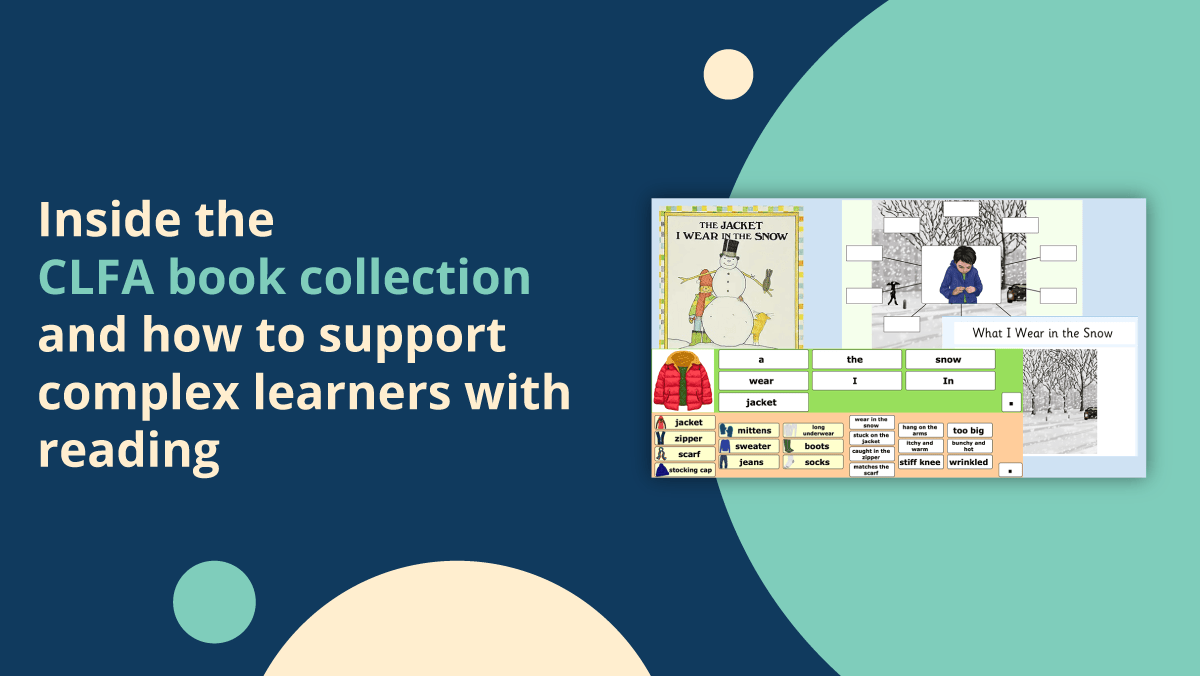
- Turning a Clicker Board into a Word Bank - as can be seen in the example below, giving students immediate access to relevant vocabulary that they fed into lessons and topics
👉 Turn a Clicker Board into a Word Bank


- Creating Sentence Sets as students talk through ideas - when teachers do this, instruction can follow student thinking in real time
👉 Create and edit a Sentence Set
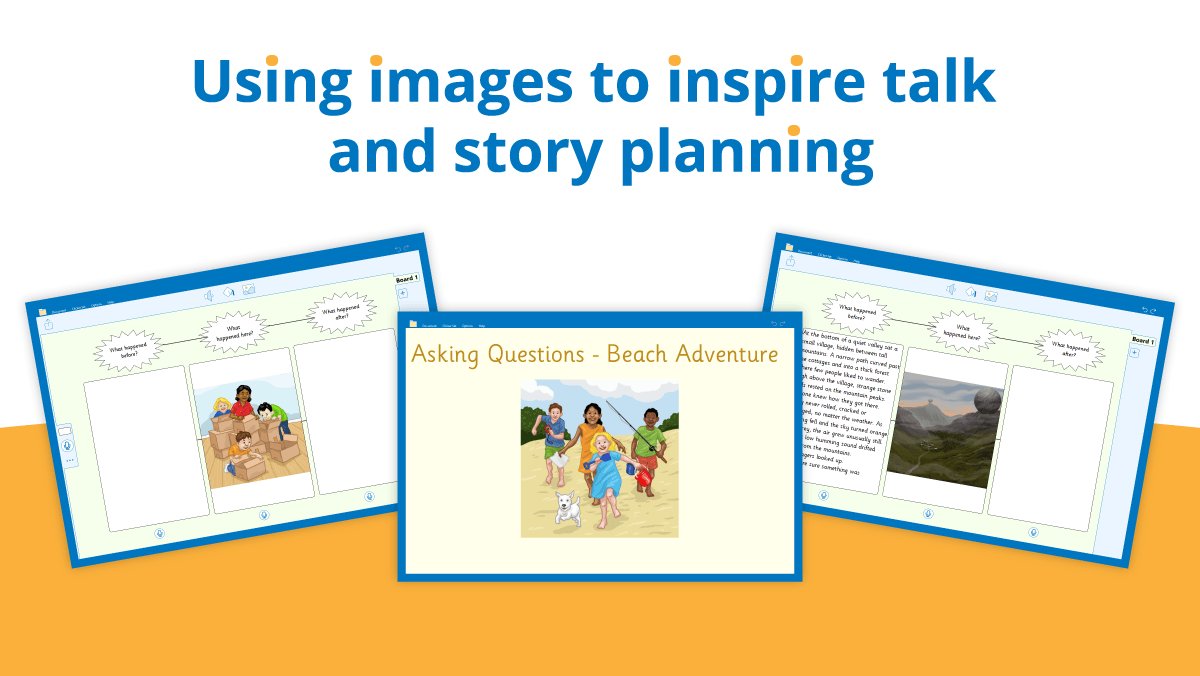
- Using Shift + Click to edit pre-made LearningGrids - staff especially love having a ready-made starting point that can be quickly personalized to fit exactly what’s needed
👉 Free Clicker teaching resources
These small efficiencies make a big difference, supporting engagement without interrupting the flow of teaching.
Global access is key to creating a truly inclusive technology ecosystem
All districts need to start somewhere, and sometimes somewhere is small with just a few users.
While some districts begin with Clicker licenses assigned to individual users, educators were clear: for inclusive technology like Clicker to work seamlessly, we need to build towards every student having access.
When everyone can participate without barriers:
- Lessons run more smoothly
- Everyone feels included
- Training and technical support are simplified
- Teachers spend less time customizing for just one student
- Students remain engaged and independent
Equitable, classroom-wide access directly supports student success.
What we learned from school districts piloting Clicker
Limited budgets require meaningful data
With funding tighter than ever, districts told us they need evidence that Clicker works before committing to a purchase. That's where our Clicker Pilot Program plays a particularly critical role.
What districts receive:
- A free 90-day pilot of Clicker
- Access across platforms (iPad, Chromebook, Windows/Mac)
- Ongoing guidance and collaboration from our team
Throughout the pilot, we collaborate with districts to collect:
- Meaningful usage data
- Educator feedback
- Student impact testimonials
This makes purchasing decisions clearer, more confident, and data-informed.
Longer pilots lead to better decisions
Short trials can provide a snapshot of how a tool could help, but meaningful change in classrooms takes time. Districts told us emphatically that our 90-day pilot period was key to properly embedding the software and measuring its impact.
A 90-day pilot supported by our team allows time to:
- Optimize rollout and setup, while ensuring there’s still space to properly explore and evaluate Clicker in the classroom
- Build confidence and familiarity across staff
- Use Clicker in a range of real classroom situations, not just initial activities
- Gather meaningful “before,” “during,” and “after” evidence of student progress and engagement
Final reflections
My time in Washington reinforced what we hear often: educators want tools that are powerful yet simple, flexible yet reliable, and always centered on student success.
I’m grateful to the districts who welcomed me into their schools to collaborate, share honest feedback, and continue to help shape Clicker’s future. Their insights ensure we keep building solutions that truly support both teachers and students.