Using images to inspire talk and story planning
Table of contents
Are you looking for images that spark discussion or are a stimulus for creative writing? Using carefully chosen images is a powerful way to inspire talk and story planning.
On LearningGrids, we have six Clicker Talk Sets with which use images for open-ended speaking activities. These sets help learners explore ideas, ask questions, and build confidence. Next, they can develop structured story plans using the related Clicker Boards. The Talk Sets and Boards support a range of ages and abilities.
Using Talk Sets to inspire talk and story planning

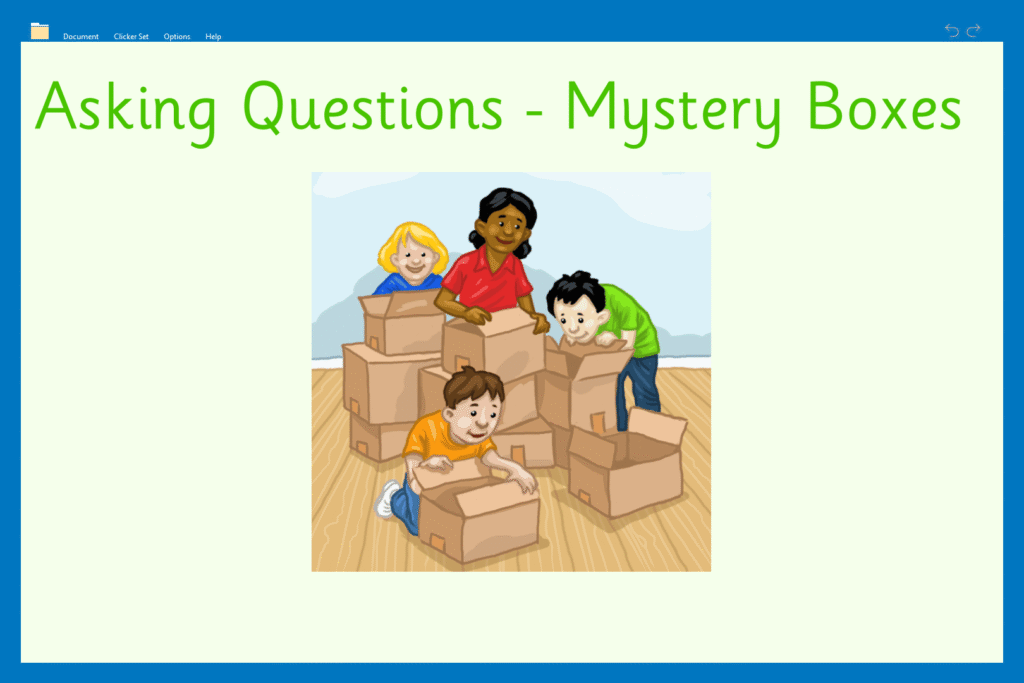

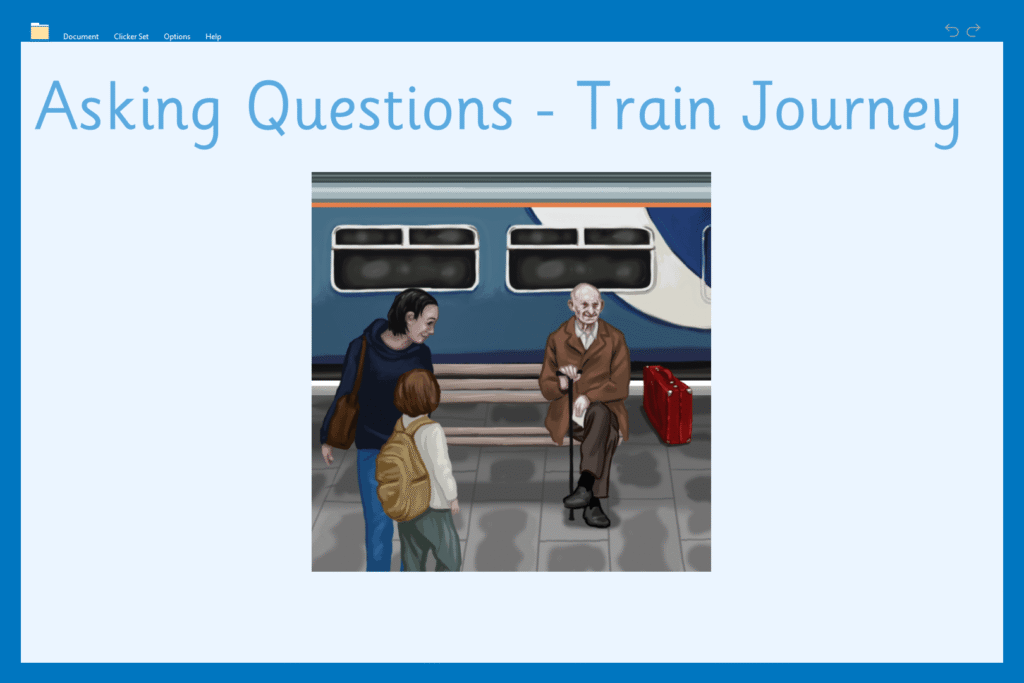
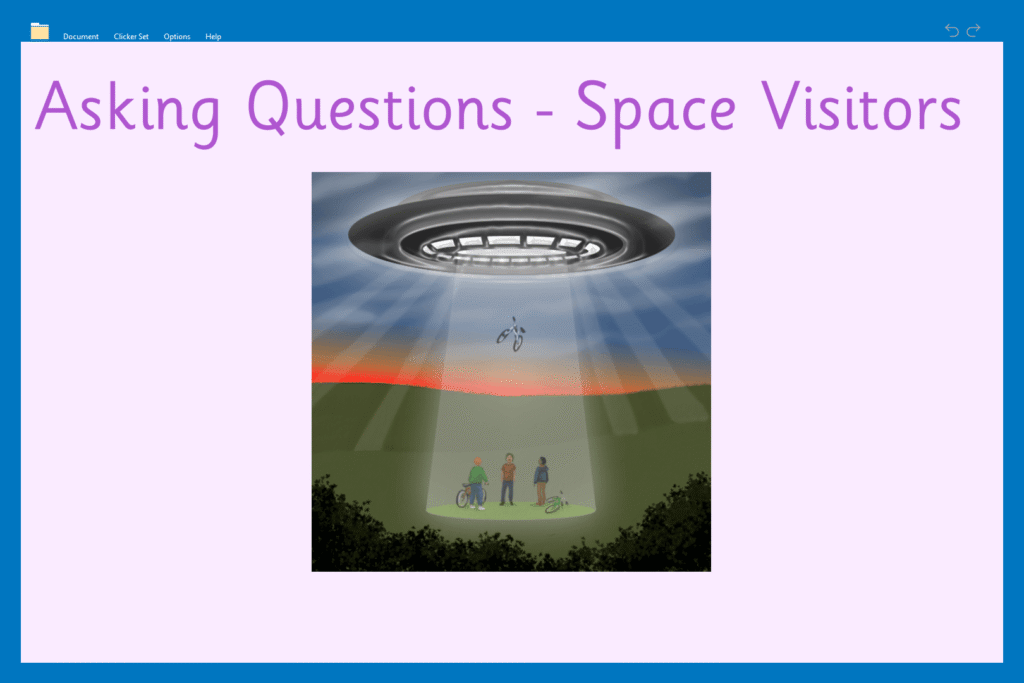

Structured talk builds vocabulary, confidence, curiosity, and imaginative thinking. It is especially important for English language learners or students with less developed speaking and listening skills. The Asking Questions Talk Sets encourage students to look closely at an image and generate their own questions. Each recording page includes three buttons under the image.

The three buttons can help learners practice forming different types of questions, such as:
- “What” questions to describe what is visible.
- “How” questions to explore actions and processes.
- “Why” questions to encourage reasoning and explanation.
As students become more confident, introduce “What if…?” questions. This expands their thinking and helps develop inference and creativity.
Adapting the activity to encourage talk and story planning

These activities are very flexible. You can adapt them for different learning focuses and abilities. For example, in Edit Mode you can:
- Reduce the number of recording buttons to lower the task demand.
- Add additional recording buttons to encourage deeper questioning.
- Focus on one question per character in the image.
Additionally, these sets can support collaborative learning. One student can record up to three questions and their partner can respond. This kind of planned interaction provides a purposeful speaking activity and supports the development of ideas that feed directly into story planning.
Moving from talk to story planning with Clicker Boards
Once learners are confident discussing an image, the next step is to help them develop their story ideas. The Before and After Clicker Boards provide a clear structure for this. They present the image in a simple format that encourages learners to think about:
- What happened before the image.
- What is happening during the image.
- What might happen after the image.
This approach shows students how the image fits into a broader story, rather than a standalone moment. As a result, students develop the skills to structure their ideas into a clear beginning, middle, and end.
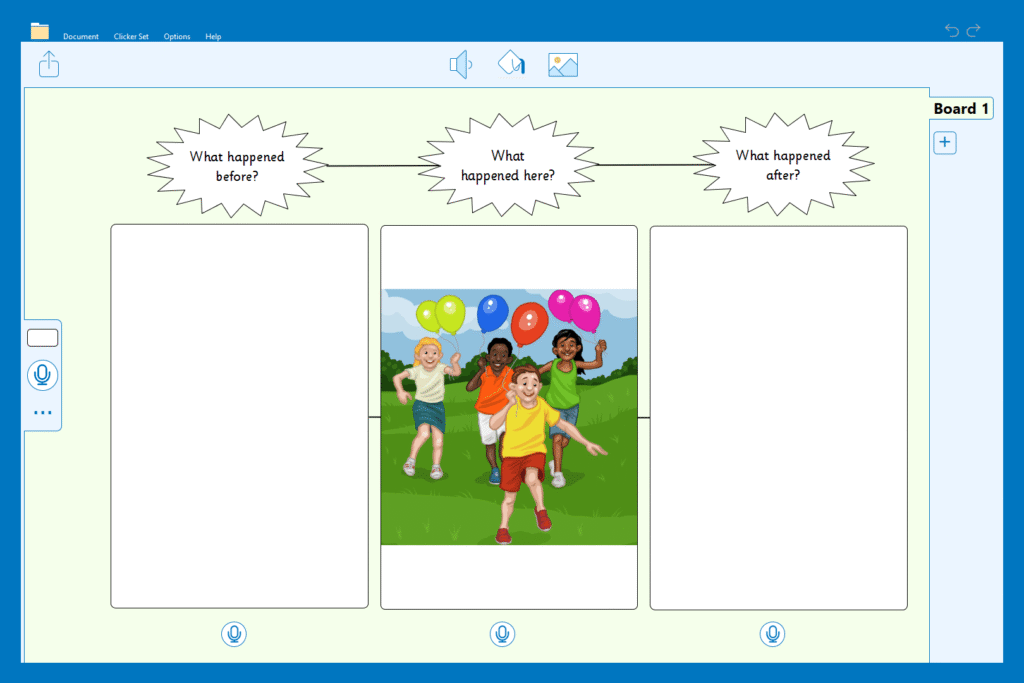
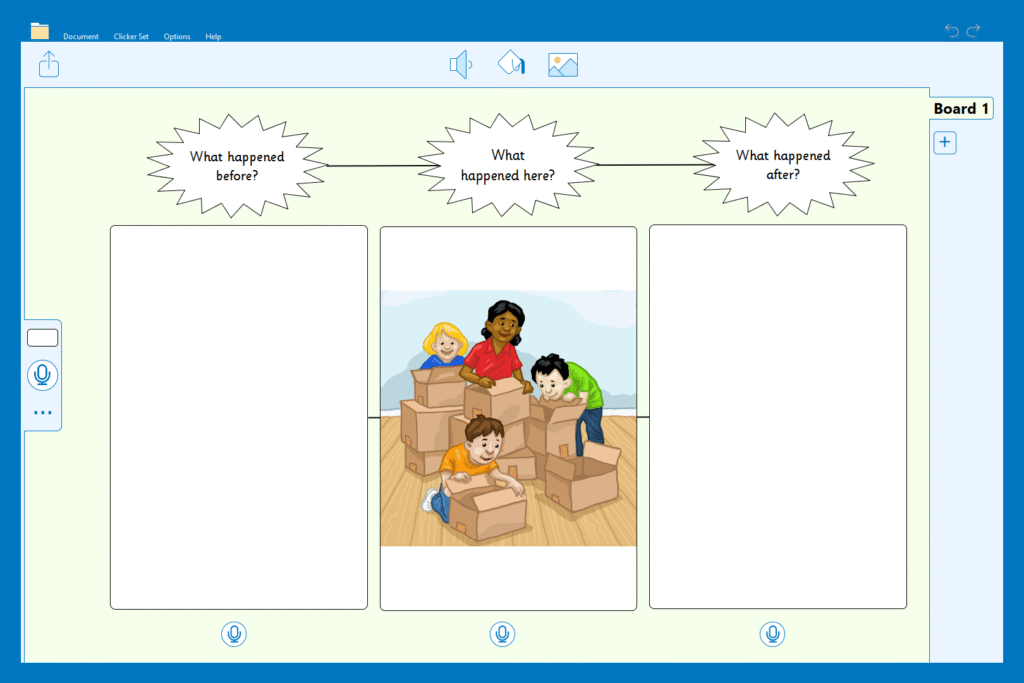
Initially, learners describe what they can see in the image. They can also explain what is happening and what the characters might be thinking or feeling. They then record or type their responses in the picture cell before generating their ideas about what happened before or after the scene.

Meeting the needs of different learners

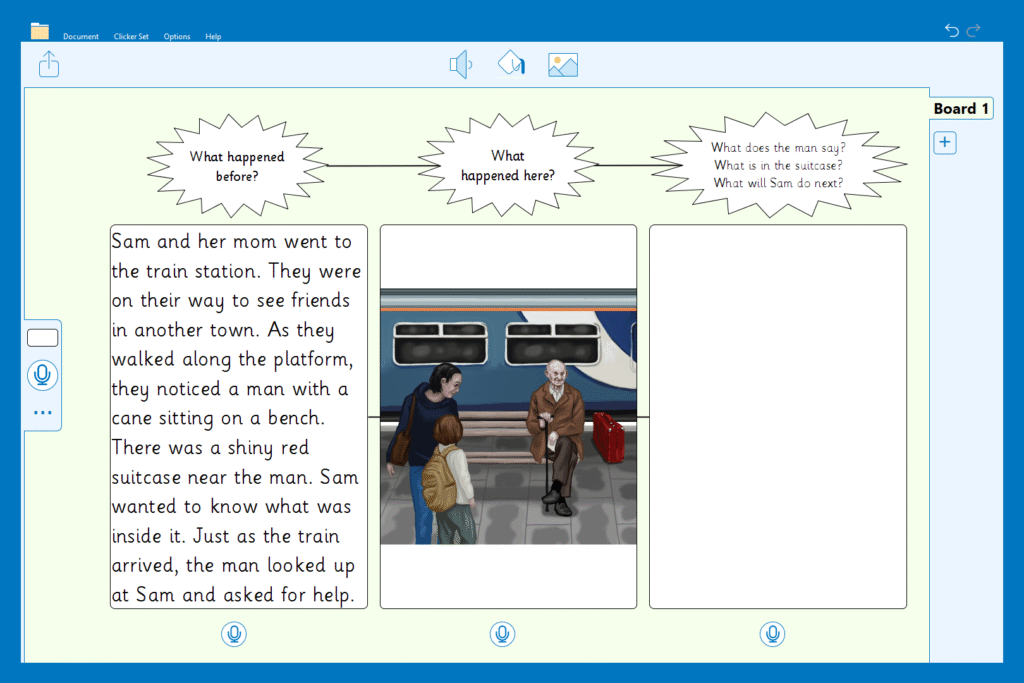
The Clicker Boards can be adapted for different levels of confidence and ability. To personalize learning further, you might:
- Add a story starter to reduce cognitive load.
- Remove the headings to provide more room for writing.
- Include guiding questions within the heading cells to structure thinking.
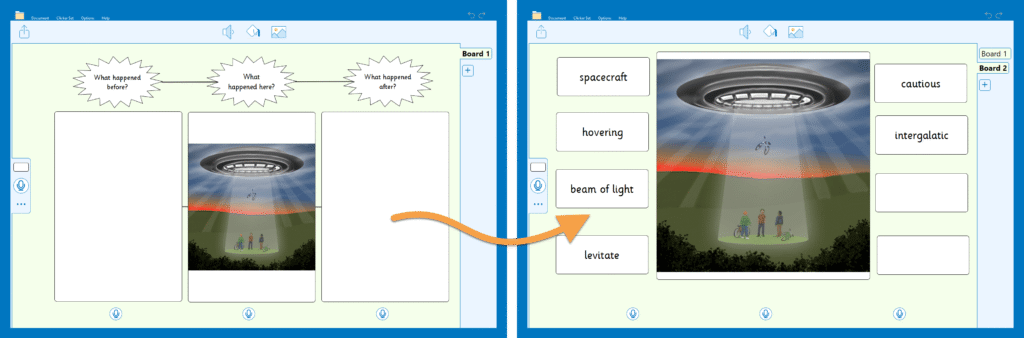
However, some students might still find this challenging. For these learners, consider using the image to pre-teach key vocabulary before story planning. The Clicker Board layout can be adapted to support this. For example, you can enlarge the central image, remove unused cells and add smaller ones to hold key words and phrases. Once the vocabulary is generated, the Clicker Board can easily be turned into a Word Bank that supports independent writing.
Using images in this way is an effective strategy to inspire talk and story planning. It helps learners build confidence, language, and creativity.
If you are looking for more activities for creative writing, explore the Story Planning category on LearningGrids.