Clicker Menu
Support students with additional needs
In addition to extensive support for learners with reading and writing difficulties, Clicker offers unique benefits for students with a wide range of special needs.

Support for children with dyslexia
Clicker's simplicity and flexibility make it highly effective across the elementary age range and curriculum.
Download our PDF guide on using Clicker to support children with dyslexia.
Download PDF

Support for children with autism
Clicker is a powerful tool for supporting many students across the autistic spectrum.
Download our PDF providing additional information on using Clicker to support autistic learners.
Download our PDF providing additional information on using Clicker to support autistic learners.
Download PDF

Support for children with low vision
In addition to the high quality speech, the clean, uncluttered screen layout, and the customizable color-coded grids, Clicker includes an extensive range of accessibility options for students with low vision.
Download our PDF providing additional information on using Clicker to support children with low vision:
Download our PDF providing additional information on using Clicker to support children with low vision:
Download PDF

Support for children with learning difficulties
Clicker is the perfect tool to use with students with learning difficulties.
Clicker's multisensory approach of using words, pictures and sounds keeps learners interested and motivated, and gives them the tools they need to achieve success. Clicker enables you to present students with activities that are broken down into small steps, and to revisit learning objectives in a variety of ways.
Download our PDF providing some specific examples on how Clicker can be used to support children with learning difficulties.
Clicker's multisensory approach of using words, pictures and sounds keeps learners interested and motivated, and gives them the tools they need to achieve success. Clicker enables you to present students with activities that are broken down into small steps, and to revisit learning objectives in a variety of ways.
Download our PDF providing some specific examples on how Clicker can be used to support children with learning difficulties.
Download PDF
Symbol support for children
Clicker includes a library of 10,000 Widgit Symbols as standard. However, if you require a wider range of Widgit symbols or would like to add the Mayer-Johnson PCS or SymbolStix symbol library to your Clicker subscription (which comes at an additional cost), please get in touch.

Support children with speech or language impairments
Clicker is a great favorite among speech and language professionals as well as special needs teachers. Clicker Sets are perfect for children struggling to acquire language or to express themselves. Clicker helps with developing listening and practicing speaking skills as well as providing opportunities to focus on language structure and concepts.
Download our PDF providing additional information on using Clicker to support children with low speech or language impairments:
Download our PDF providing additional information on using Clicker to support children with low speech or language impairments:
Download PDF
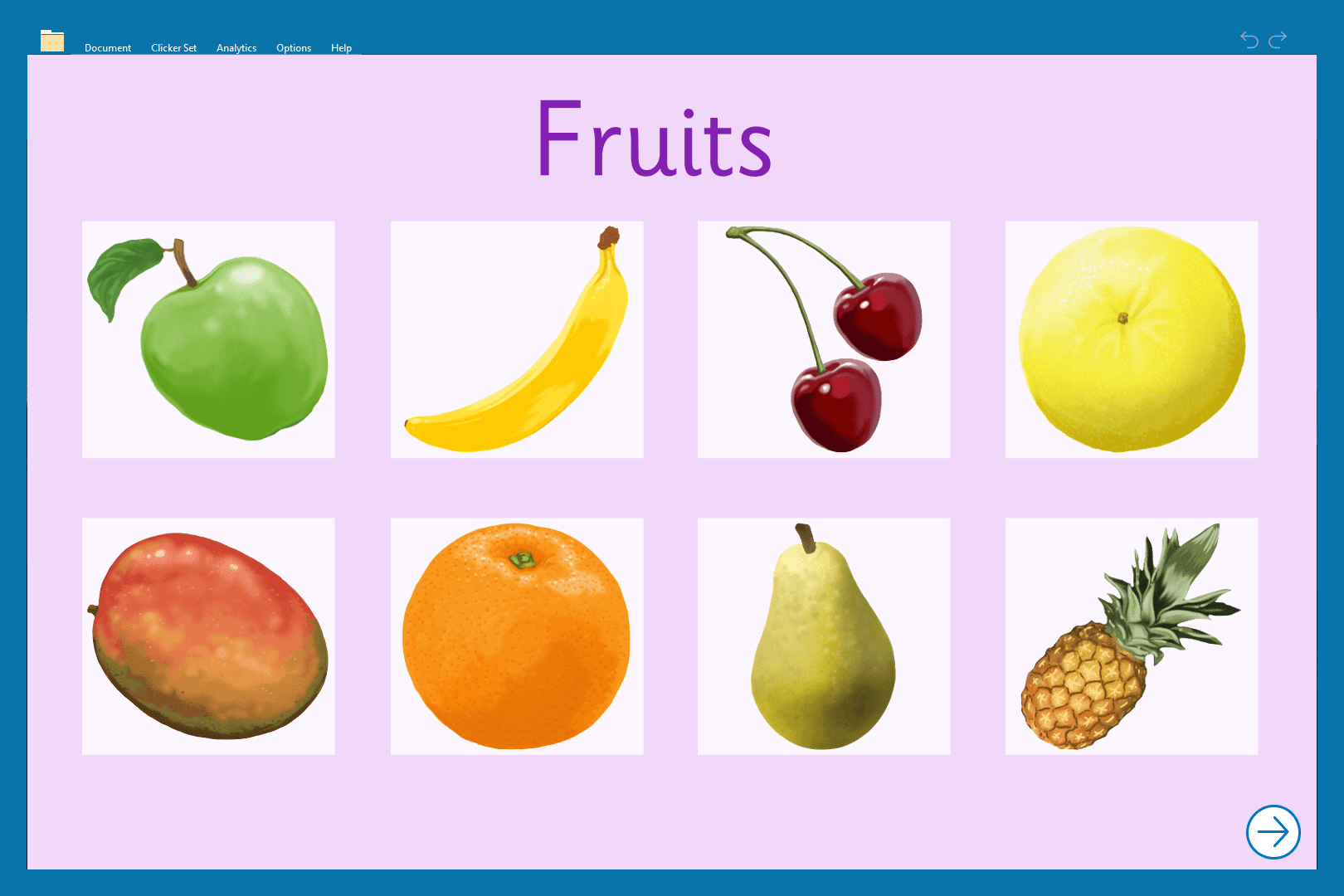
Support for children with Down Syndrome
Clicker is a valuable aid to learning for many students with Down Syndrome. It allows them to use their strengths in visual learning, and gives them the opportunity to practice their skills privately, reducing any fear of failure.
Download our PDF providing additional information on using Clicker to support children with Down Syndrome:
Download our PDF providing additional information on using Clicker to support children with Down Syndrome:
Download PDF
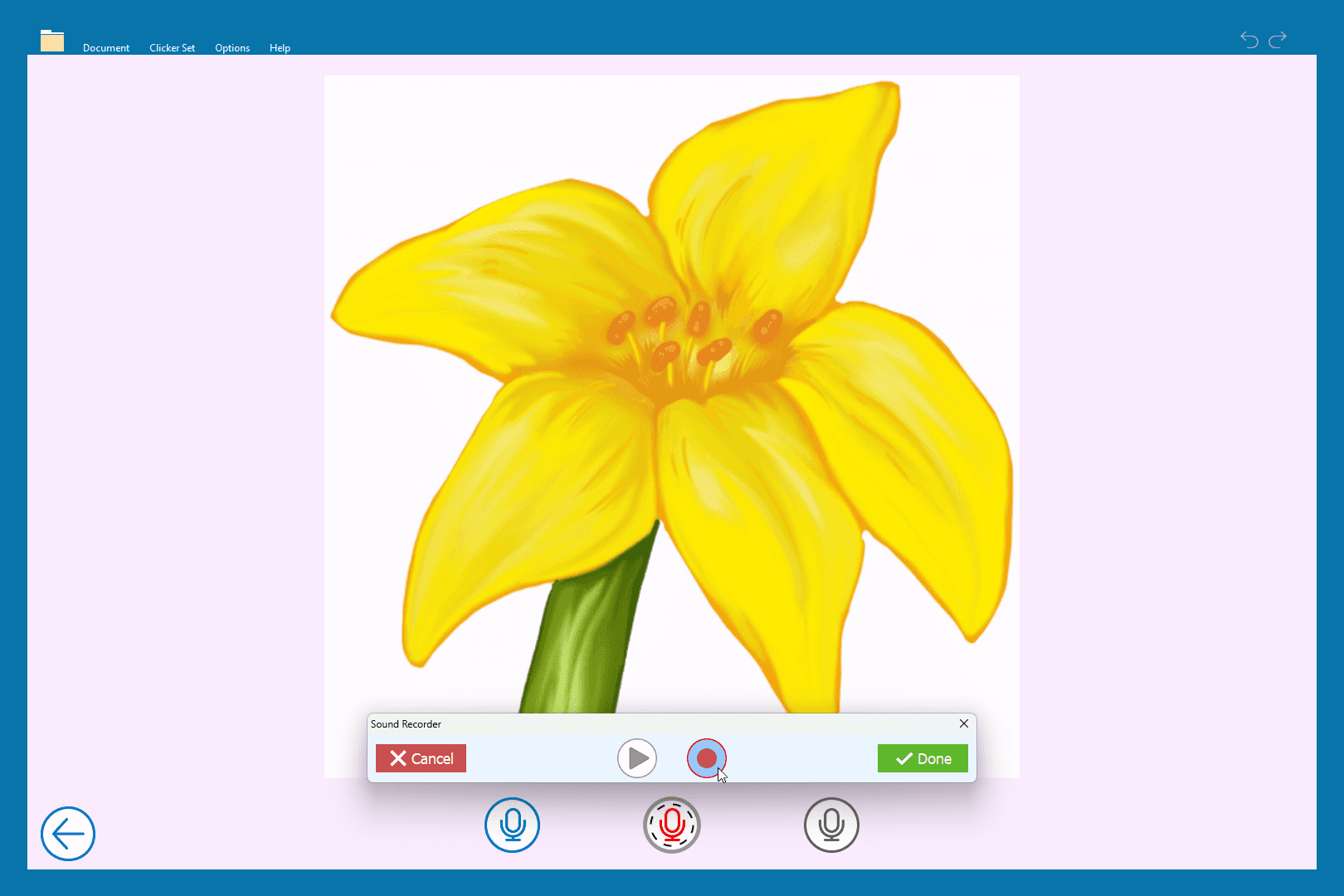
Support for English Language Learners (ELL)
The adaptive features of Clicker are well-suited to the task of supporting ELL students as they progress through the key stages of language acquisition.
Clicker includes a range of tools to support learners with vocabulary, speech and listening skills, and grammar rules, which can be scaled up or down to provide just the right level of challenge.
Clicker includes a range of tools to support learners with vocabulary, speech and listening skills, and grammar rules, which can be scaled up or down to provide just the right level of challenge.
Learn more
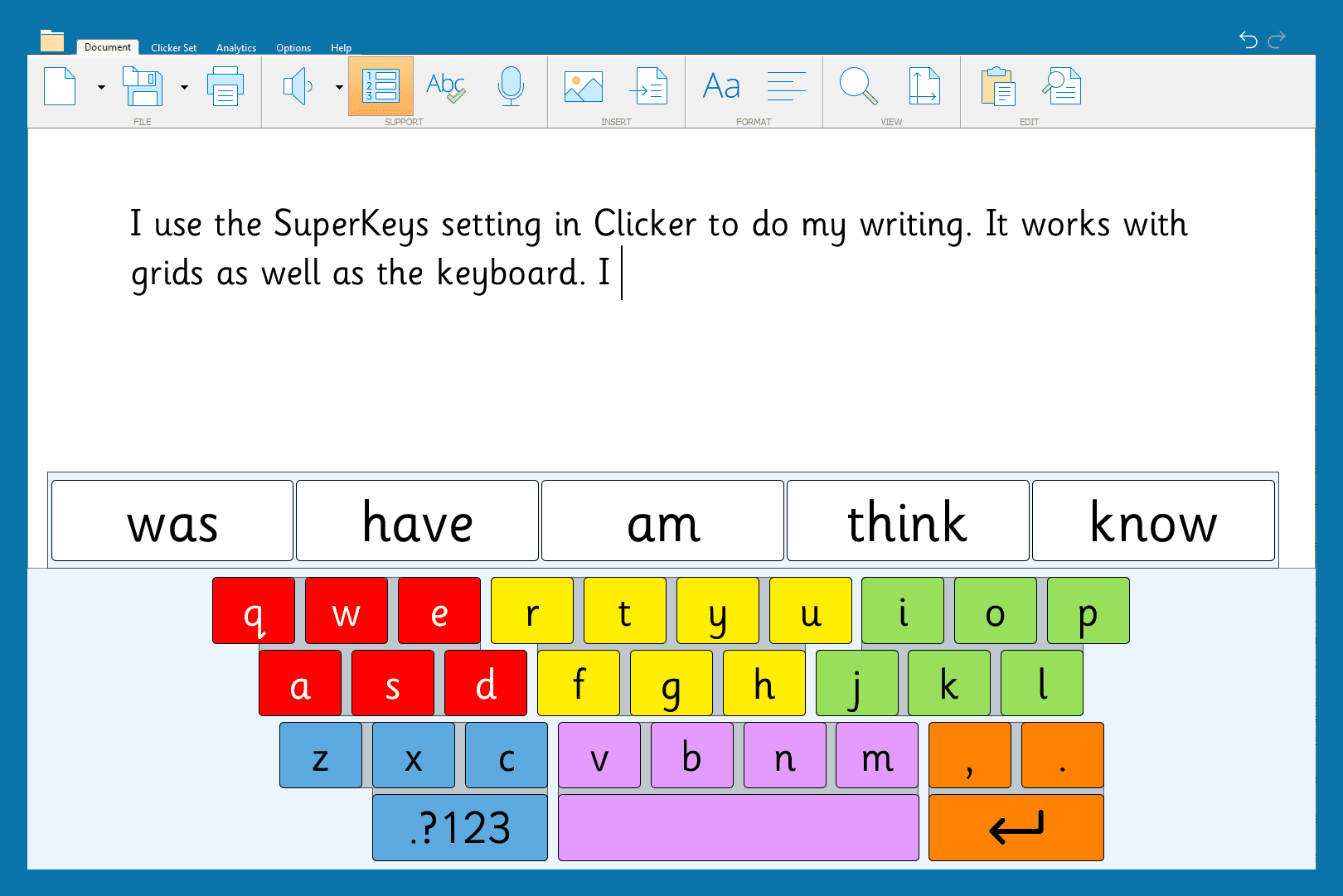
Clicker and accessibility
Clicker has always been the single most accessible educational software tool. It incorporates the unique SuperKeys access as well as support for switch and eye gaze users.
Learn more