Clicker Menu
Clicker Accessibility
Clicker has always been the single most accessible educational software tool, opening the door to children with a wide range of learning needs.
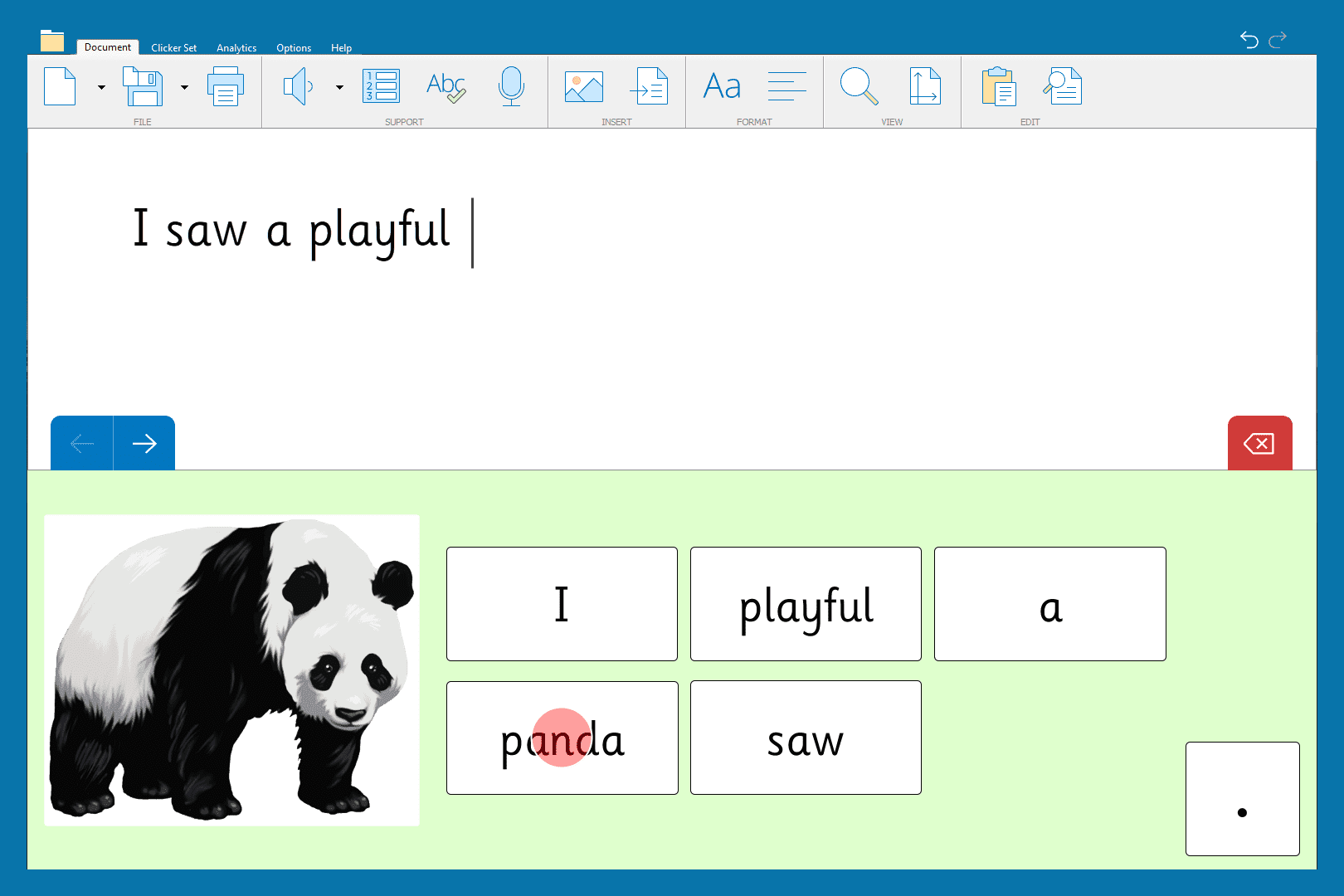
Eye gaze
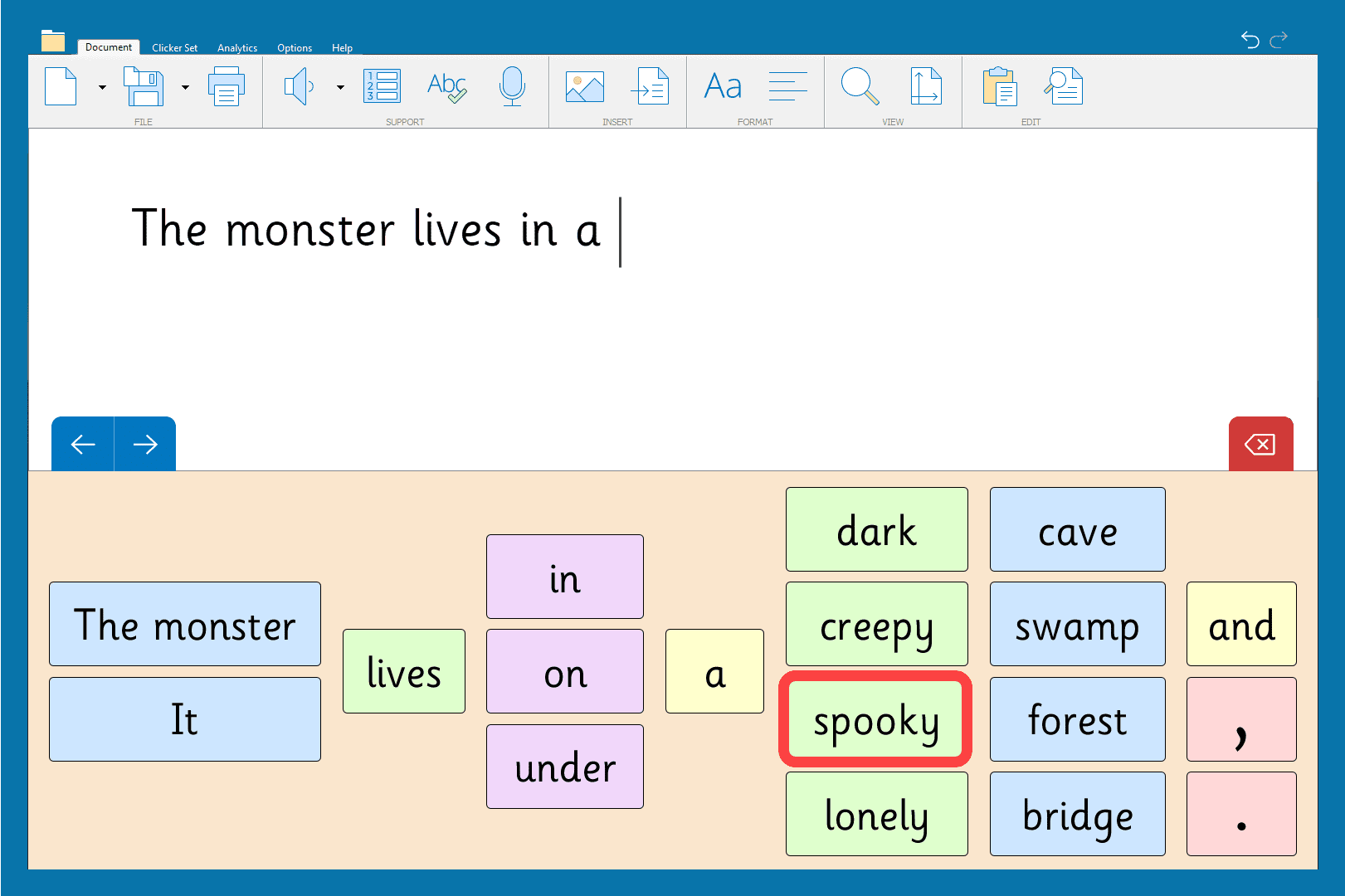
Clicker has its own Eye Gaze setting that works with any eye gaze system such as Tobii or MyGaze. Eye gaze users can write and edit text, turn book pages and interact with most other Clicker activities just like a mouse user.
With strong visual feedback and a positive feel, there’s no wobble during the dwell, as the pointer is locked onto the cell unless you look completely outside of it. It’s easy to optimize for individuals by changing the dwell time, creating large target areas, or turning on SuperKeys.
With strong visual feedback and a positive feel, there’s no wobble during the dwell, as the pointer is locked onto the cell unless you look completely outside of it. It’s easy to optimize for individuals by changing the dwell time, creating large target areas, or turning on SuperKeys.
Switch access
Clicker is an essential tool for switch users, providing extensive access for students who cannot use a keyboard or pointing device. Switch users have access to writing, reading and pre-reading activities to suit their own level, and have equal access to their classmates.
Connect either one or two switches via the Crick USB Switch box, select switch access, and you’re ready. The accessibility settings enable customisation for individual needs, with a wide range of scanning options, including auditory scan.
Connect either one or two switches via the Crick USB Switch box, select switch access, and you’re ready. The accessibility settings enable customisation for individual needs, with a wide range of scanning options, including auditory scan.
Accessible onscreen keyboard
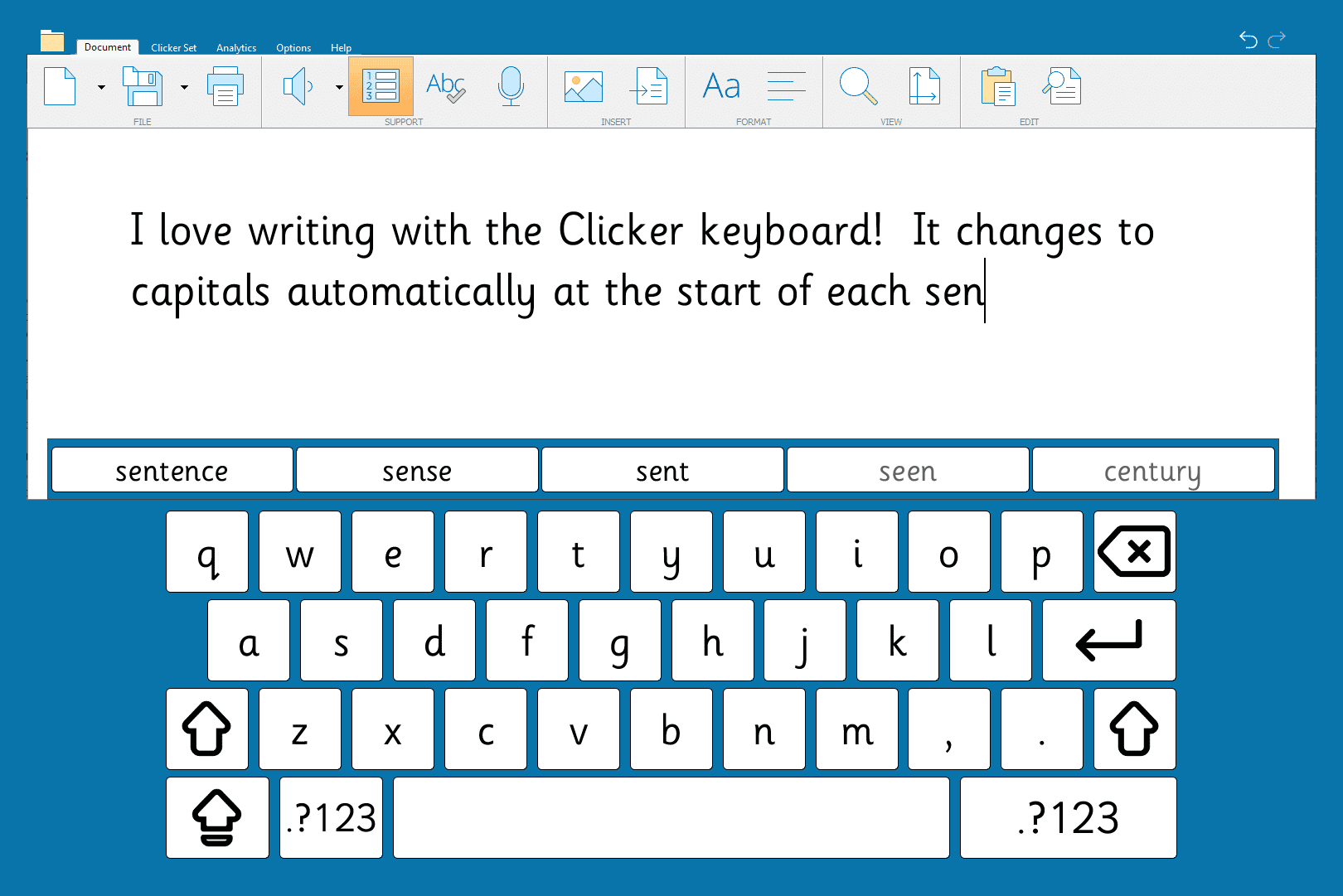
Available at any time, the onscreen keyboard offers three layouts (qwerty, alphabetical, frequency) and the option to group the keys into six colors. If you’re using the predictor too, this automatically attaches to the top of the keyboard for easy access.
The keyboard is accessible by mouse, eye gaze and with switches, and you can easily move between the keyboard and grid.
The keyboard is accessible by mouse, eye gaze and with switches, and you can easily move between the keyboard and grid.
SuperKeys
SuperKeys is a unique way of typing for those with fine motor control difficulties. Instead of having 30+ small keys to target, SuperKeys provides just six large clusters. Simply select the cluster containing the letter you want, and then choose the letter in the enlarged cluster.

Optimise for visually impaired students
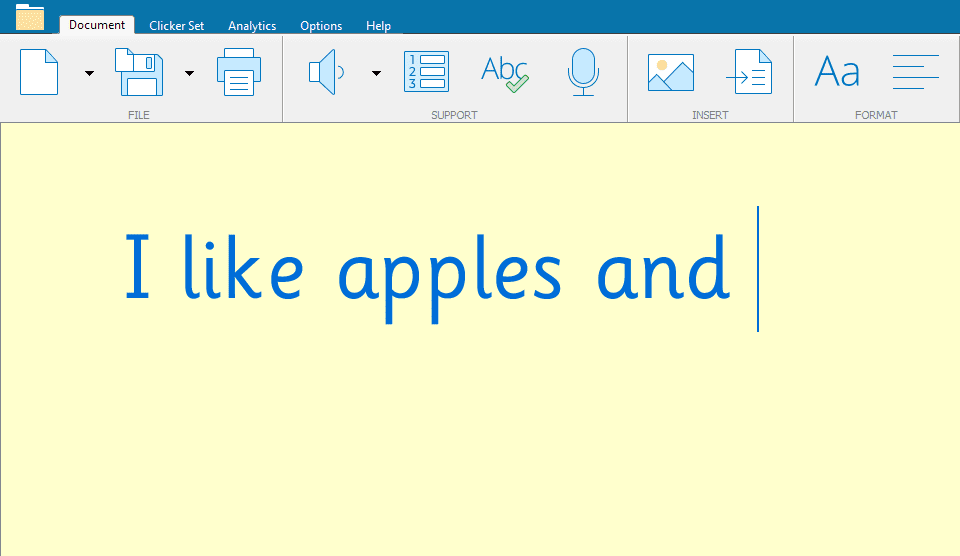
Change the default colors to suit individual students. Choose the best fonts and font sizes. Select the most appealing voice, and customize what it automatically reads – each sentence, word or even letter.