Using DocsPlus as a reading tool
If you are assigning work for students to complete at home, you may be worried that your struggling readers will find it difficult to access worksheets or information sheets independently. DocsPlus offers a solution!
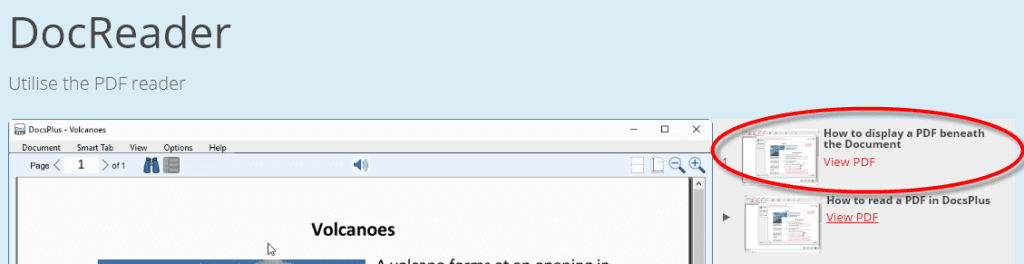
DocsPlus includes an integrated “DocReader” that will read aloud any PDF or Word document. Just open the PDF or document in DocsPlus, highlight the text you need help with, and click the speaker to hear it read to you. See the information video and PDF in our training section to see how it works.
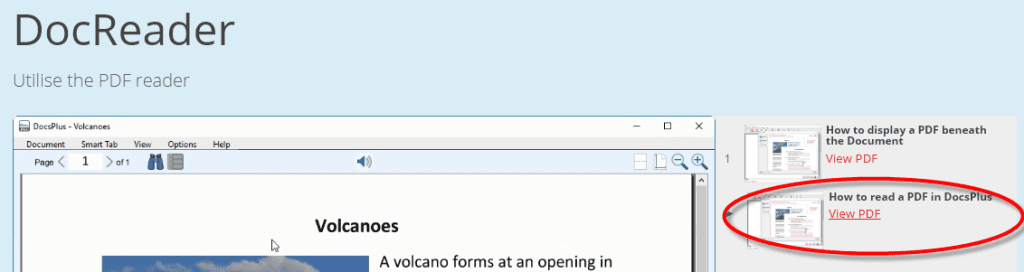
If you save your PowerPoints as PDFs, you can make them accessible for your struggling readers too!
If you want your students to listen as they write, DocsPlus can show a PDF alongside the writing document so they don’t need to keep switching from one to the other – a great way to give your students ongoing support and help them to stay focused on the task.