You want to improve switch accessibility in DocsPlus (for Windows / Mac).
Resolution
Some users have difficulty pressing switches reliably.
DocsPlus includes timing settings that can be adjusted to suit these users (providing a Crick Switch Box is used).
The table below lists various issues and the corresponding settings that can help.
To view these settings, open the Options ribbon tab and click Access. On the Access Method tab, choose One Switch or Two Switches, and then click Timings.
| Issue | Solution | Effect | Result |
|---|---|---|---|
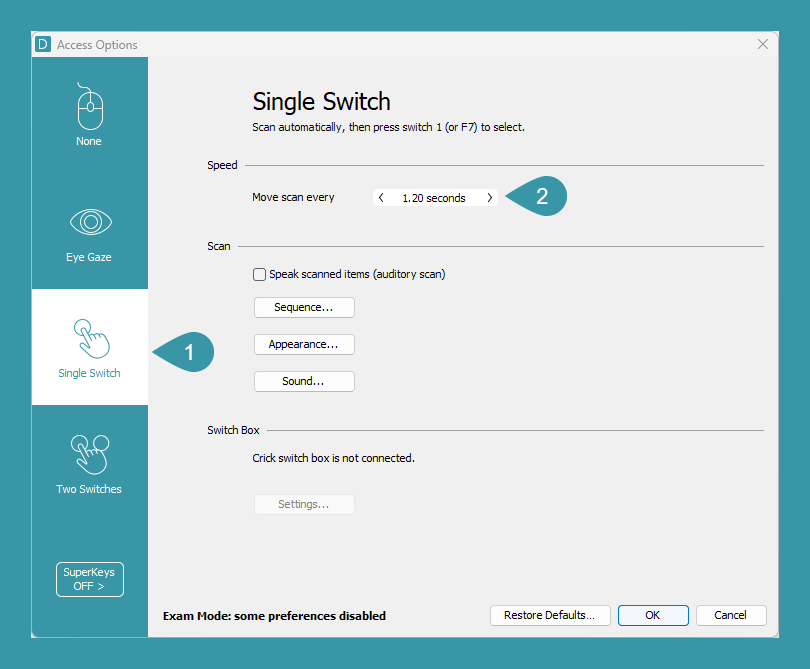
| Items scan too quickly. (Single Switch only) | Increase the Speed time (Figure 1) | Increases the time an item is highlighted before the scan moves on. | The scan moves slower. |
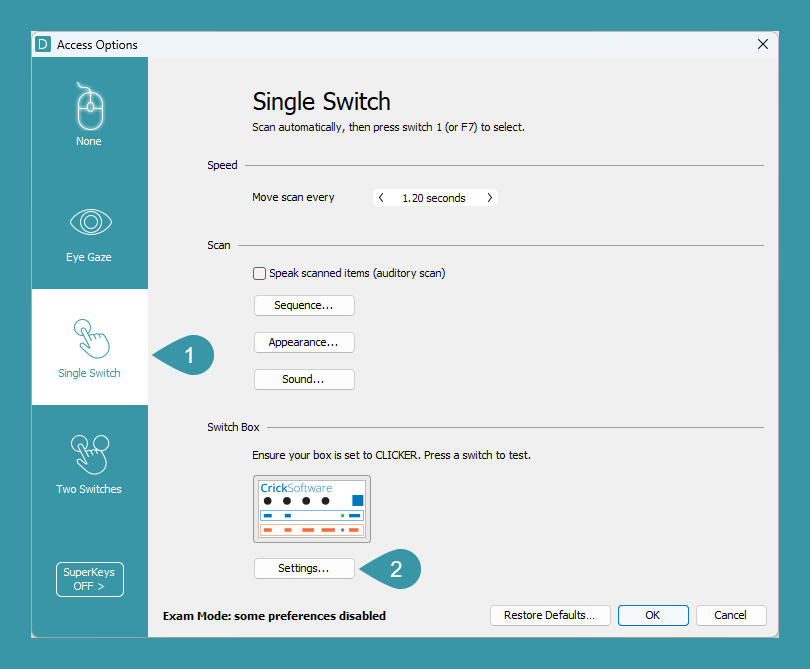
| User accidentally presses switches. | Increase the Hold Duration (Figure 3) | Increases the time a switch must be held down before the press is accepted. | Accidental presses are ignored because they aren’t held down long enough. |
| When purposefully pressing a switch, the user accidentally presses it multiple times. | Increase the Repeated presses (Figure 3) (Must be higher than Hold Duration) | Increases the duration in which multiple presses are treated as one. | Accidental presses are ignored because they occur too soon after the first press. |
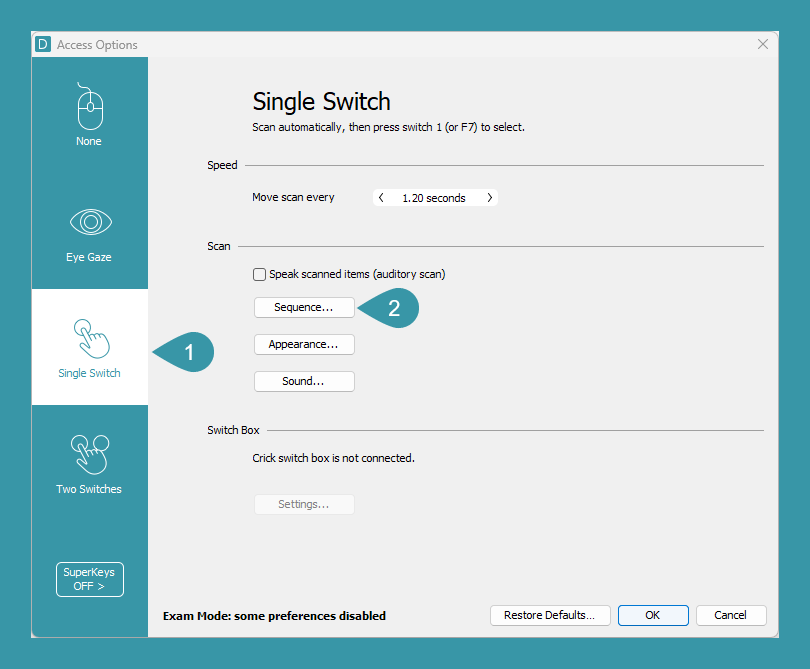
| The scan starts before the user is ready. (Single Switch only) | Option 1. Select the Start scanning after option and adjust the seconds beneath (Figure 2) | The scan pauses on the first item for X seconds before moving on. | The user has X seconds to prepare for the scan. |
| Option 2. Select the Press switch to start scanning option (Figure 2) | The scan doesn’t start until a switch is pressed. | The user can start the scan when they are ready. | |
| When purposefully pressing a switch, it takes time for the user to stop pressing. | Option 1. Increase the Autorepeat Delay (Figure 3) (Autorepeat must be enabled for switches) | Increases the time before a held down switch repeats a press. | Accidental repeated presses are prevented because the first press isn’t held down long enough. |
| Option 2. For each switch, uncheck Autorepeat when switch X is held down. (Figure 3) | Disables auto-repeat. Auto-repeat Delay no longer has an effect. | Presses don’t repeat, no matter how long a switch is held down. |