Early elementary writing with Clicker
Table of contents
Early elementary writing sequence
Before working at Crick, I taught across Early Years and Year 1 (the UK equivalent to early elementary) for 10 years, so I am always keen to use this experience to provide support and inspiration for how Clicker can be used in the Early Years classroom!
While teaching in those early classrooms, I learned that students need the chance to prepare and practice specific skills ahead of writing. For me, it often looked like this:
- Pre-teaching vocabulary
- Introducing a text
- Retelling a story
- Developing ideas
- Sentence construction
When planning a writing sequence, I was always on the lookout for resources and activities that encouraged student independence, high engagement, and writing for purpose.
In this post, I’m going to unpick each stage of this pre-writing journey to show you how LearningGrids can provide just that for all your early writers.
Pre-teaching vocabulary

You can begin the writing journey with Matching Sets to familiarize children with key vocabulary they’re likely to encounter when being introduced to a new text or topic.
These simple matching activities are a great way to rehearse, consolidate, and define any key words before being introduced to them in the context of the story. It also helps boost their engagement with new vocabulary.
Matching Sets work well as a whole class teaching tool on an interactive whiteboard, but they are also perfect for small group work or for children to access independently during continuous provision.
Introducing a text
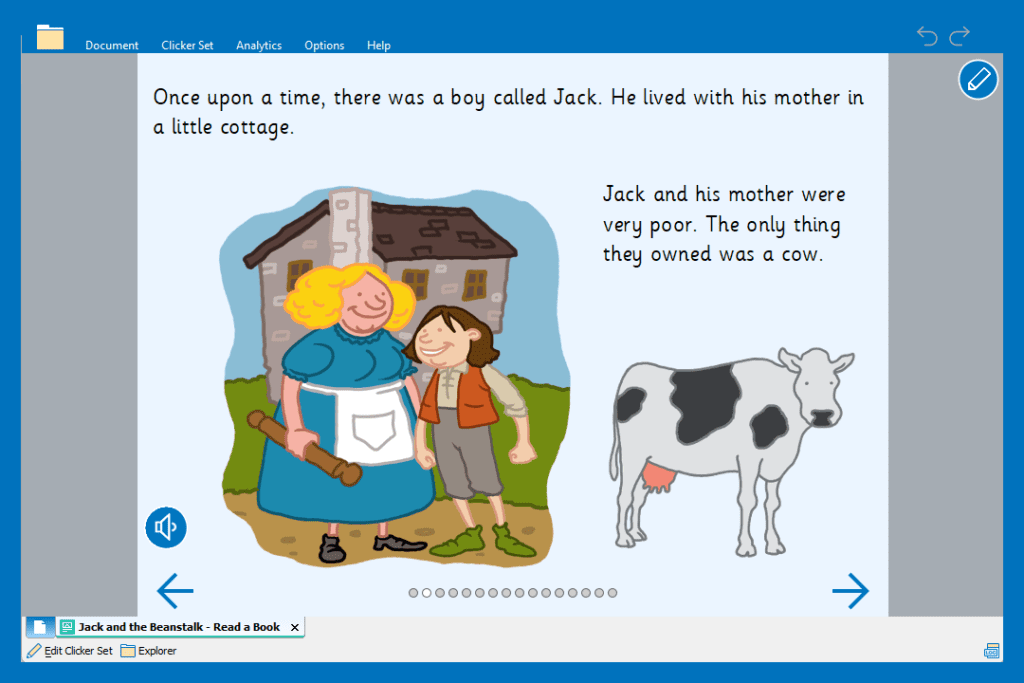
Next, Clicker Books are a fantastic learning resource for the Early Years classroom. When I was teaching, I always loved using a book as a hook! In my experience, young learners love books, so using a Clicker Book is a great way to listen to the new vocabulary in context and with visual reinforcement. This helps build the connection between how words look and sound (otherwise known as linguistic iconicity for those of you who love a technical term).
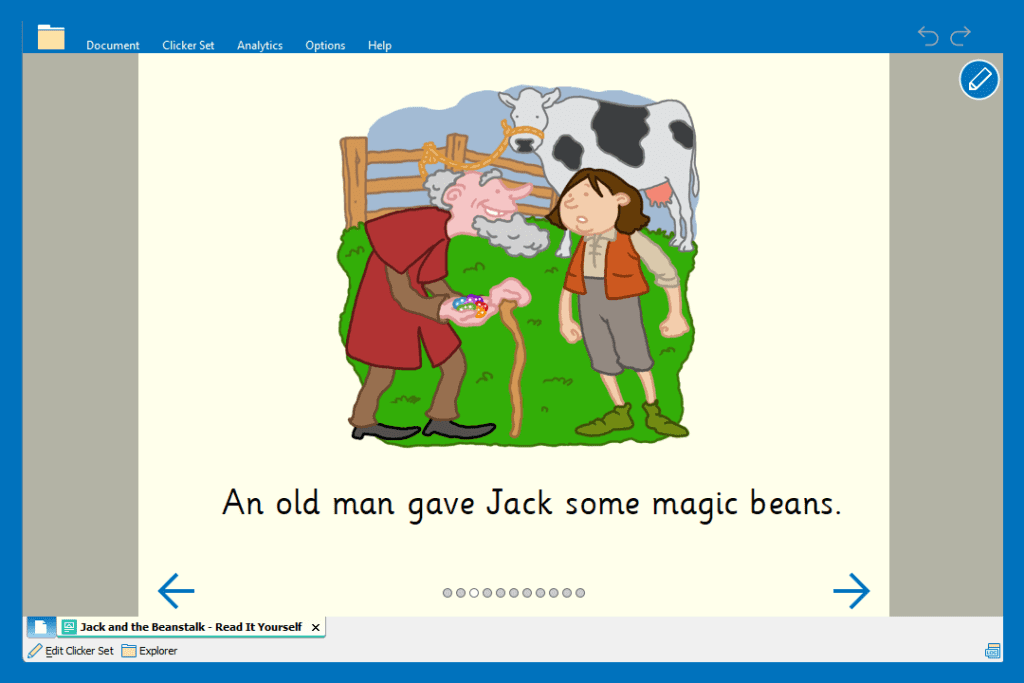
You can display the books on your whiteboard as part of a teaching input, or they work well on individual devices in small groups or 1:1 with individual children.
Clicker Books come at varying levels of difficulty depending on the needs of your students and include built in speech feedback (text-to-speech support) so students can listen to the text read aloud.
Retell the story
Whether it’s in the role-play area, using stick puppets, or through a storyboard, there are so many ways to encourage children to retell a story.
Providing them with these opportunities for repetition and reinforcement really helps them to become more confident with their knowledge of the story, in turn making them feel more confident when it comes to writing.

Clicker’s Tell the Story Talk Sets are a great alternative way for children to retell a story. Using the sound recorder, they can add an audio recording alongside the images in the story. This is a perfect opportunity for students to independently practice using all the new vocabulary in context and listen back to the story being told in their own words.
It’s also a great way for staff to see how much their students have understood from a text!
Develop ideas
You can then look at how to work together as a class to collate some ideas and key vocabulary before starting a piece of writing.
In my teaching days, I was always big on whole-class discussions where we could produce something really visual using the children’s ideas that they could then refer to when writing.

This is where Clicker Board comes in! Clicker Board provides you with a flexible mind-mapping tool where you can collate all those great ideas and even add image support for your more visual learners.
This Jack and the Beanstalk resource includes multiple tabs, allowing you to model the activity with the children first, before they complete the second tab independently or as an adult-led activity.
They are easily printable if you want blank copies for children to access as a continuous provision activity too.
Sentence construction
After spending a sequence of lessons learning the vocabulary, exploring the text, rehearsing the story, and collating ideas…it’s time to start writing!
This final piece of writing will likely vary depending on the different needs of children in your class.


Clicker’s writing grids provide children with point and click access to words, phrases, and pictures. There are resources available to support learners of all different abilities. So, whether they’ll be rebuilding a simple sentence, or just need a grid of vocabulary to support them with spelling and vocabulary choices – there’s a resource suitable for everyone to engage with independently.
Clicker’s built-in speech feedback allows children to listen to their completed sentences read aloud, encouraging them to use punctuation and sense-check their work before moving on.
These resources are all editable too, so you can really tailor them to suit the needs of individual students.
Early elementary writing genres
Providing students with plenty of valuable opportunities to write is a key element of early elementary teaching. Younger students benefit from having a combination of independent and adult-led activities to help them build on their early writing skills.
Often these activities are planned carefully, but great writing also frequently comes from skilled educators scaffolding a writing opportunity in the moment and creating an environment that fosters a love of writing.
Ensuring that these writing opportunities are engaging for students is vital – giving them chances to enjoy a range of writing styles, genres, and purposes. Some of my go-to early writing activities included:
- Real life experiences
- Caption writing
- Creative writing
Real life experiences
In my classroom, I often found that students were more confident when writing about their own experiences. For example, writing up their weekend news, a recount of a class trip or event, or describing a special occasion.


Clicker’s ready-made resources include a range of scaffolds to support students with writing about their weekend. With speech-supported vocabulary and prompts, children can add their ideas in independently.
Using the Voice Notes tool, students can also talk through their ideas before they start writing. This is perfect for those children who are more confident verbally - they can listen back to their recording as many times as they need throughout the writing process.


LearningGrids also has activities perfect for supporting students when writing about a class trip! In my teaching days, I took many trips to the local farm with children, and we would always do some writing when we got back to school.
The Farm collection in LearningGrids has a wide range of resources with different levels of support that you can use to encourage students to write about their field trip.

Caption writing
I always found value in keeping some writing tasks short and snappy in my kindergarten classroom. Having activities such as caption writing or labeling built into my planning really helped to develop students’ confidence with their independent writing.
Having a bank of these activities within continuous provision or set up as an independent challenge allowed them to consolidate the skills we’d been practicing as a class or in adult-led groups.
You can recreate simple caption writing in Clicker in a few different ways.

Adding image support into a writing grid is a great way to provide scaffolding for those students who need a bit more support when writing their captions. They simply need to tap the words to bring them into the document and rebuild the sentence.
You can add your own images or pictures from the CrickPix2 library to any ready-made Clicker resources or any activities you’re making from scratch. This is quick and easy to do, whether you’re planning ahead or adding a picture to encourage some writing in the moment!

In Clicker (Win/Mac) you can insert images into the document in several ways as a prompt for students to write their caption. This also works really nicely as a modeling activity on your interactive whiteboard, encouraging discussion about sentence structure and language choices. Any opportunity to model and reinforce the use of finger spaces and punctuation in early writing is key!

You can use Clicker Books for caption writing too! The Make-a-Book resources allow you to add your own pictures and text to every page. These resources include Clicker’s built-in support tools so students can use the Predictor, spell check, and speech support to help them build their sentence.
Creative writing
Whether students are writing their own story, retelling a story, describing a character, or producing some writing about their favorite book – creative writing always has a way of popping up in an early elementary classroom.
The repetitive language in stories can often be comforting for children when writing, helping them to find confidence with writing their own story by introducing familiar characters and settings.
Clicker has a whole creative writing section on LearningGrids, as well as resources linked to traditional tales and other stories.
These activities provide students with endless scaffolds to support them with writing!


Clicker Boards are perfect for planning a story, breaking it down into manageable steps that children can access in a way that suits their learning style best. Whether that’s single words, whole sentences, pictures, or audio. Students can access these on devices or simply print them to have a physical copy.

You can make changes to any Clicker resource, tailoring them to meet the needs of your students. For example, quickly add image support into a Word Bank to make it more accessible for a wider group of students.
Having a writing grid available as a prompt (either on screen or printed!) can help to fuel students’ imagination for the plot of their story. This is just a small sample of the creative writing resources available in LearningGrids.
Conclusion
Clicker is for everyone! There are so many activities to support students with meeting their early writing goals.
Clicker is such a flexible tool that you can build into your early elementary classrooms in the way that suits your environment, planning, and students needs most effectively.
I had very limited access to technology in my previous kindergarten classrooms, but the activities I’ve shown throughout this blog post can all be utilized on an interactive whiteboard or printed to use as a physical activity.
This is just a small sample of ways that Clicker can be used in an early elementary classroom. Here are some other resources you might find helpful:
- Watch the Supporting writing in Early Years webinar
- Support early reading with Clicker blog post
- Clicker and Phonics webinar
