Farm Animals: Adaptable resources to meet students’ needs
We’ve recently published a new group of adaptable Clicker resources on LearningGrids called Farm Animals. The collection is ideal for early readers and writers, as well as English language learners (ELLs), and includes resources with different levels of challenge to suit each student’s needs.
Let’s explore how you can personalize these resources in conjunction with Clicker’s innovative features to offer additional support for your students and help them become independent readers and writers.
Some of the features we will focus on include:
- Differentiated resources
- Personalized content
- Additional writing supports
Differentiated resources
We built a tiered set of Farm Animals resources around two Clicker Books: a Read It Yourself book, ideal for pupils beginning to read independently, and a Read a Book for those who are more confident readers.
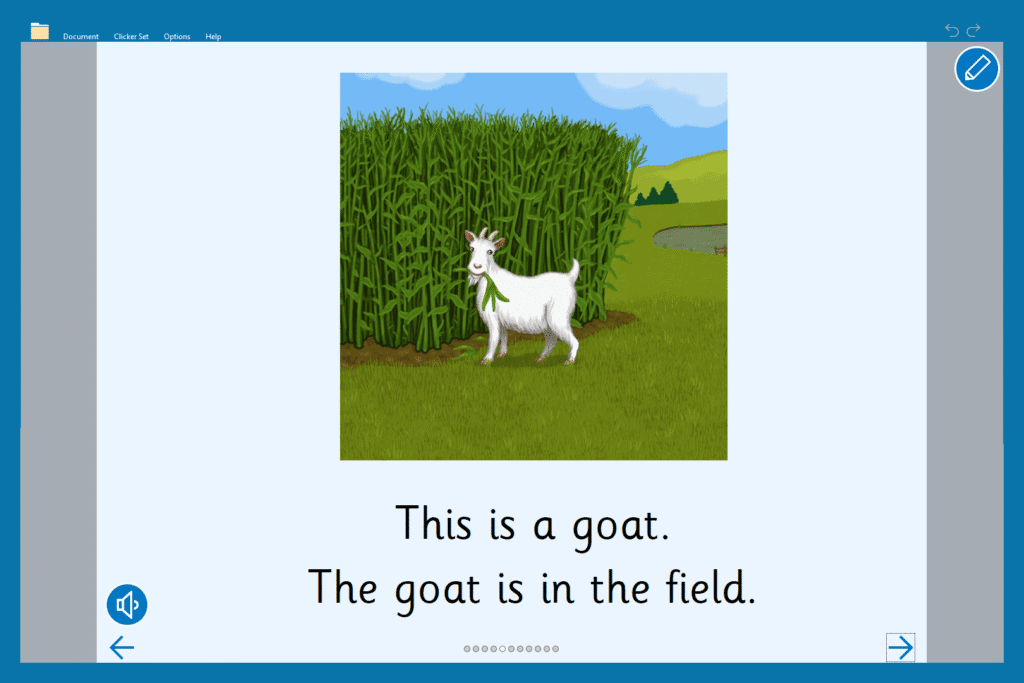
Each page of the ‘Farm Animals’ Read a Book includes two sentences. The first sentence names the animal. The second sentence tells the reader the location of the animal on the farm using a prepositional phrase. If a student needs the text read aloud, they can click the speaker button on each page.
The Read It Yourself book offers a simplified version of the story. This book focuses on the first sentence from the Read a Book, creating a repetitive structure of “This is a…” to highlight the animal names. The speaker button is not included to encourage students to try to read the book for themselves. They can, however, click on individual words to hear them if needed.
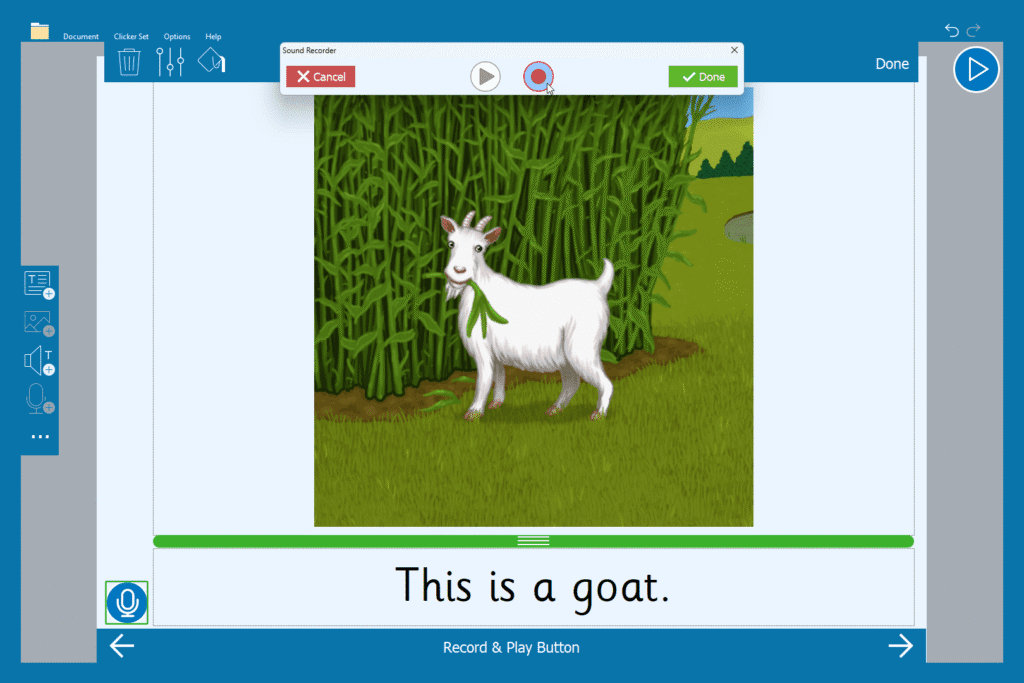
Once you have assigned a student the book most aligned with their current reading level, you can adapt the activity further using Clicker’s in-built features. You could add a microphone button to either of the Clicker Books to provide early readers with an easy way to practice reading the text. The recordings could be used as part of a student’s reading record. ELLs could use the microphone to record the text in their first language. They could then share the completed books with the class.
Personalized content
The Farm Animals collection also includes several writing activities to help students learn the names of animals and develop an understanding of sentence structure.
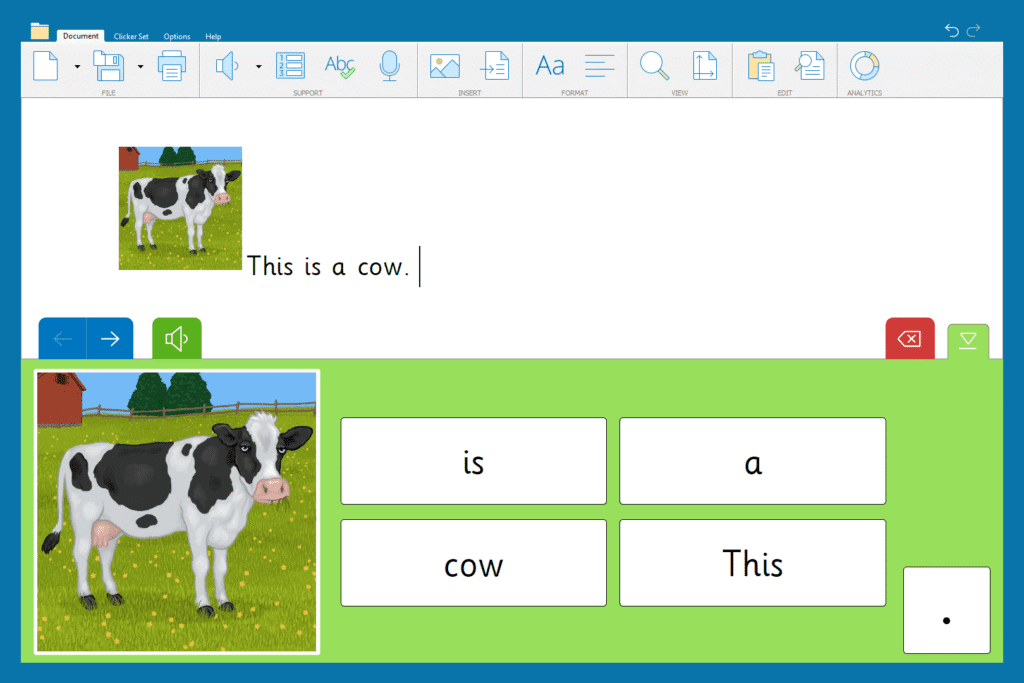
The Sentence Set enables students to recreate simple sentences from the Read it Yourself book, and students can listen to a spoken model sentence if they need more support.
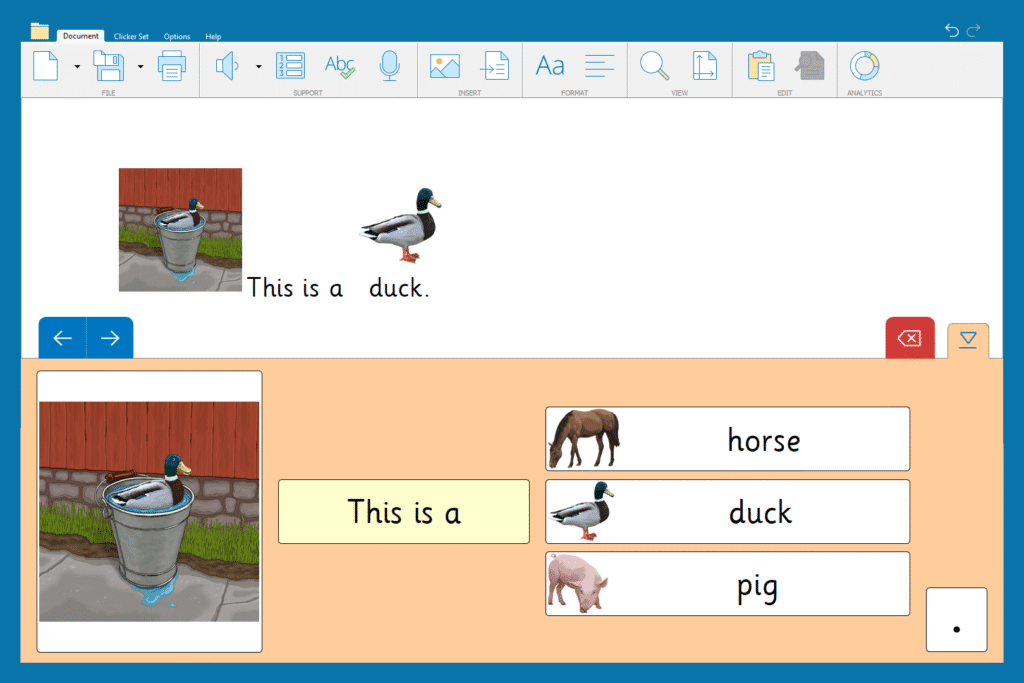
The Connect Set is a progression from the Sentence Set and mirrors the language in the Read a Book. In this activity, students have an extra challenge as they have to choose the correct animal to complete the sentence.
You can edit any resource from LearningGrids to meet the needs of your students. For instance, if you wanted to use the Connect Set but have it mirror the content of the Read It Yourself book, you can easily change the content and layout in Edit mode. You can even add images to the animal cells in any set using Picturize. This would offer students additional support for completing the activity.
Additional writing supports
As part of the group of Farm Animals resources, we have included a Picture Words Word Bank. You could use the Word Bank before reading the book to introduce the animals. Or you could use it afterwards with more independent writers to encourage them to write their own sentences about them.
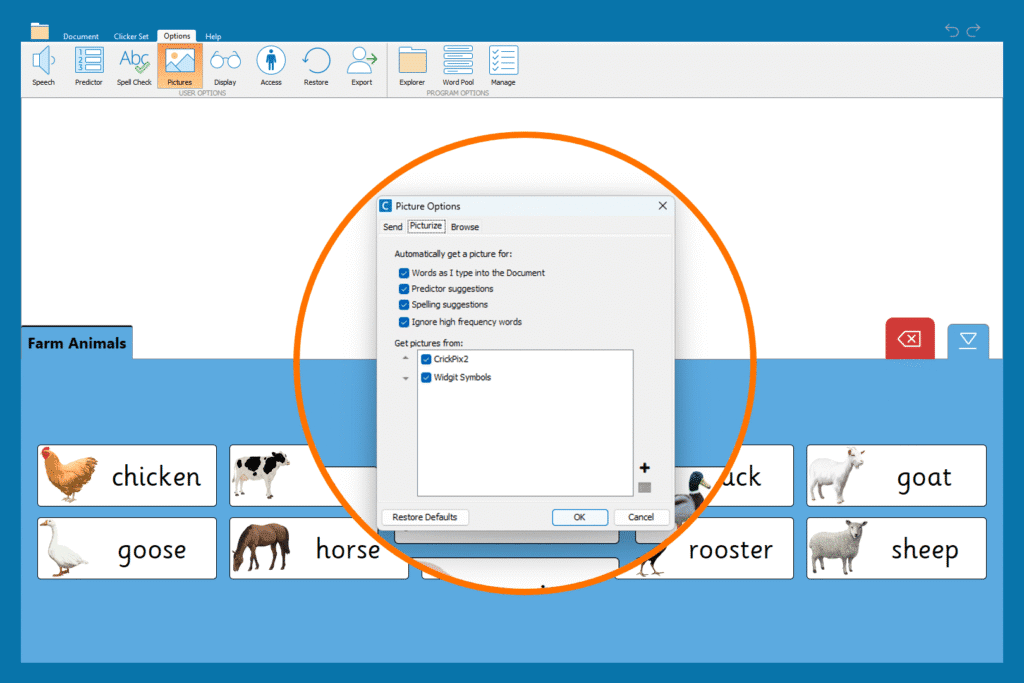
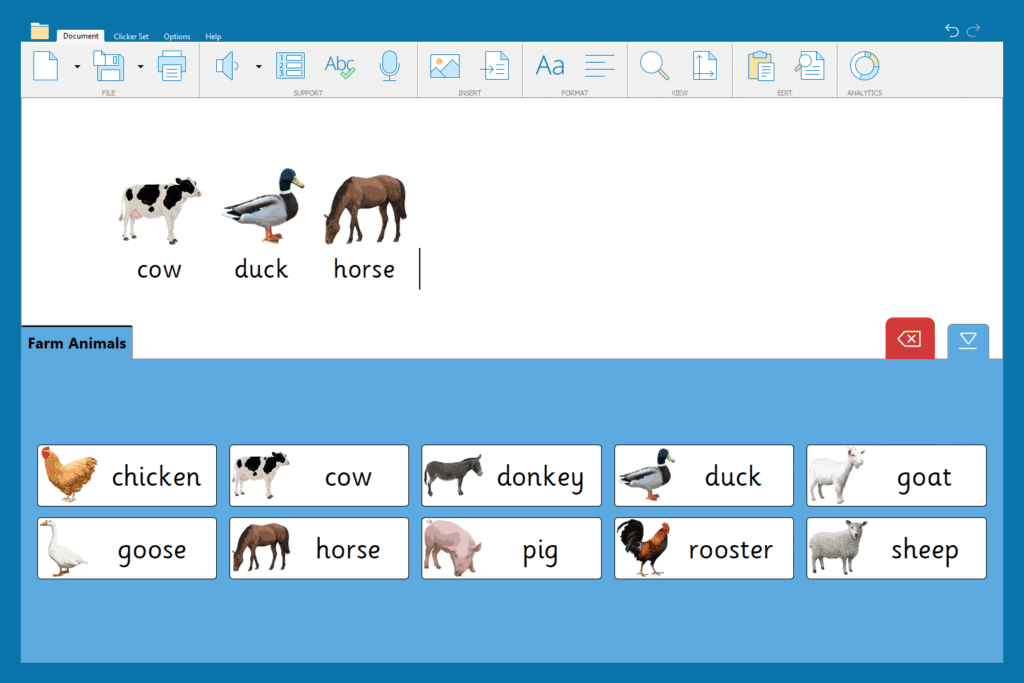
The Word Bank could also be used for spelling practice, using a special writing support feature in the Document. In Options/Settings, you can turn on Picturize for the Document. Students can then type the name of the animal into the Document (using the Word Bank as visual support) and if they have written it correctly, the animal will appear, matching the Word Bank.
Another resource that you can enhance with additional writing supports is the Farm Animals Clicker Board.
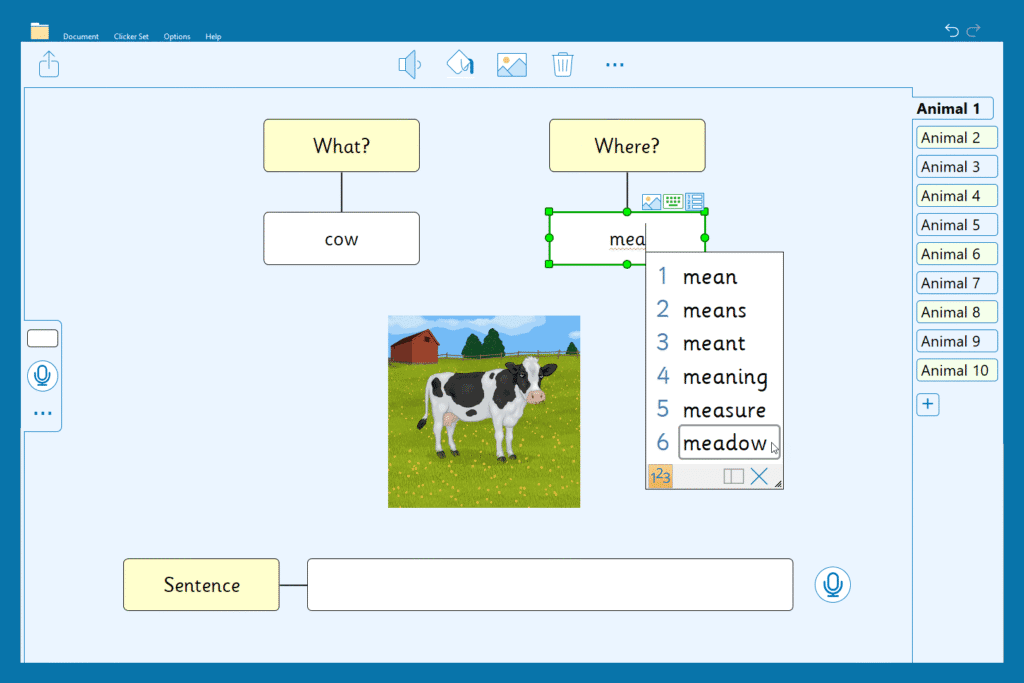
The activity focuses on making sentences with prepositional phrases. The cells prompt students to plan two parts of the sentence – the subject (the what) and the object of the preposition (the where).
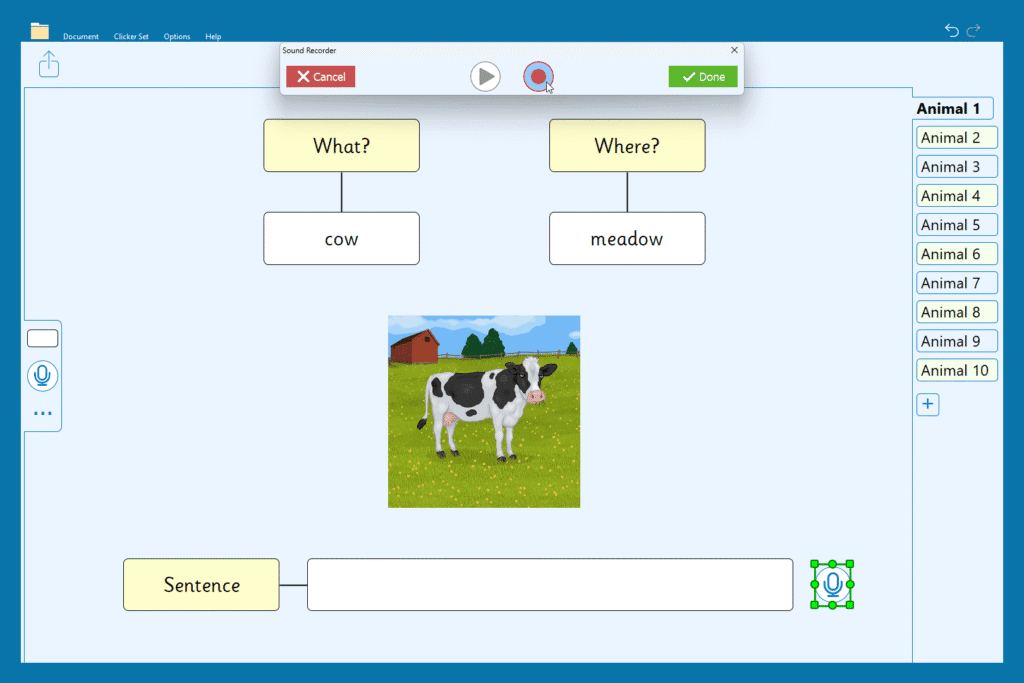
The Board would be a great whole-class activity on an interactive whiteboard or as a task for more independent writers. Students who need additional support can use the Predictor to help them write the words. A Voice Note is also included so that students can record the sentence or practice the sentence before writing.
The bundle of Farm Animals resources also includes Matching and Listen and Say Talk Sets to reinforce the animal names. Plus, a Make a Book activity for students to create their own book about the animals.
Be sure to search for “animals” on LearningGrids or check out the At the Farm Collection for lots of other resources to inspire and support your readers and writers.
For more information on using the adaptable resources on LearningGrids to support your students, you can review the below:
