Curriculum assessment with Clicker: Formative and summative
We know how important it is for teachers to keep track of their students’ progress throughout the learning journey. But assessment doesn’t have to be stressful or just about “final grades” - it can be a fun and informative part of the learning process.
With Clicker, teachers can easily incorporate both formative assessment and summative assessment into their teaching sequence, giving them the insights they need to tailor their content and help their student thrive.
In this post, we’ll explore how you can use Clicker to create engaging, effective assessments for your students across the curriculum.
Formative curriculum assessment
Formative assessment is a way of checking students’ understanding during a lesson or learning process, rather than at the end. It helps teachers see how well students are grasping concepts and where they may need more help. This means they can adjust their teaching accordingly. The goal is to support learning and improve progress across the curriculum, rather than just measure it.
Common examples of formative assessment include:
- Thumbs up/thumbs down: A quick visual check to see if students feel confident with a topic.
- Quizzes or polls: Short, informal tests to assess understanding.
- Peer or self-assessment: Students reflect on their own work or provide feedback to a classmate.
- Think-pair-share: Students think about a question, discuss it with a partner, then share their ideas with the class.
Low-stakes assessment
Low-stakes assessment is the use of informal, fun, fast practice tests and ‘low-threat’ knowledge checks like multiple-choice quizzes, close activities, or even small group discussions – without the pressure of exams and formal assessment (and grading!). This kind of regular retrieval exercise is a great learning (as well as assessment) tool. It provides valuable extra practice, helping students to reinforce memory and ascertain what they do (and don’t) know. It’s also great for students’ self-esteem and confidence – in this nonthreatening situation, they get the chance to demonstrate and celebrate their learning and knowledge. And this, in turn, has a positive impact on struggling students who may be consolidating gaps in their own knowledge by learning from their peers.
With this in mind, here are some examples of how you might use Clicker to help.
Examples of low-stakes assessment using Clicker
Recalling information from a visual prompt
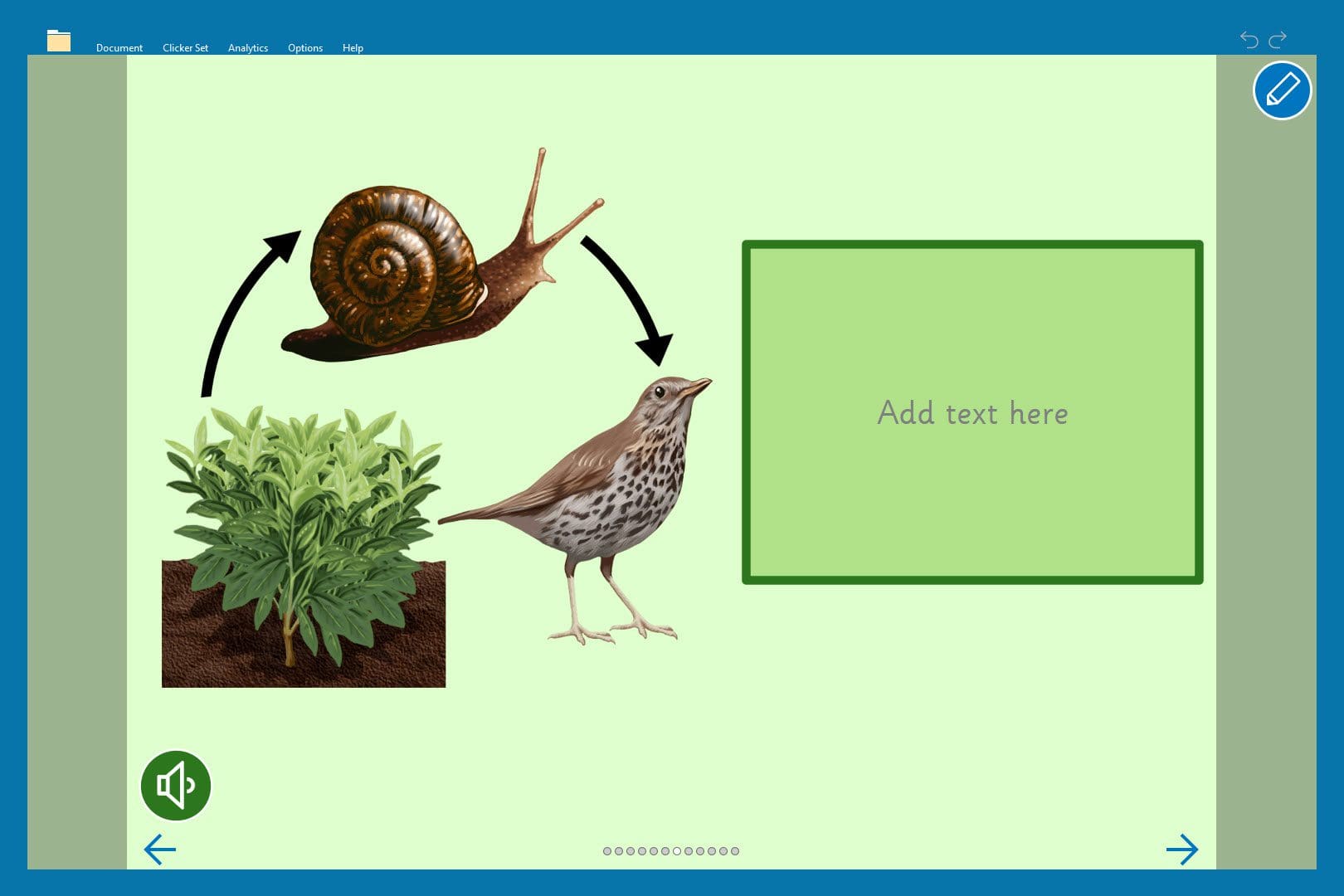
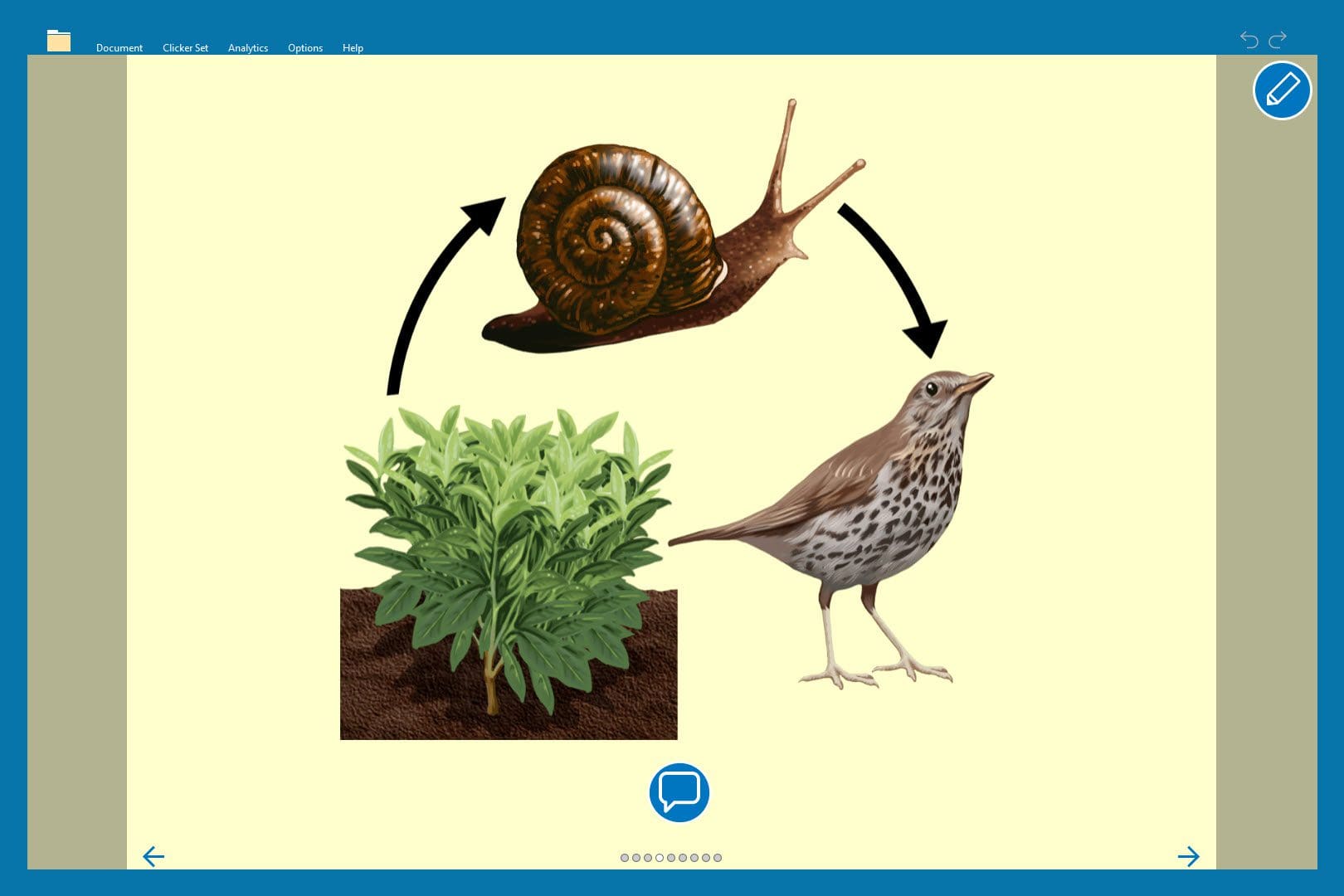
Clicker Books and Clicker Talk offer ways for students to engage with visual prompts whilst encouraging them to evidence their understanding in a method that suits them best.
Students can use Clicker Books to record their understanding of a topic using the word processor (including support from Clicker’s built-in Predictor and Spell Check), or they can use the Record & Play button to talk about what they know.
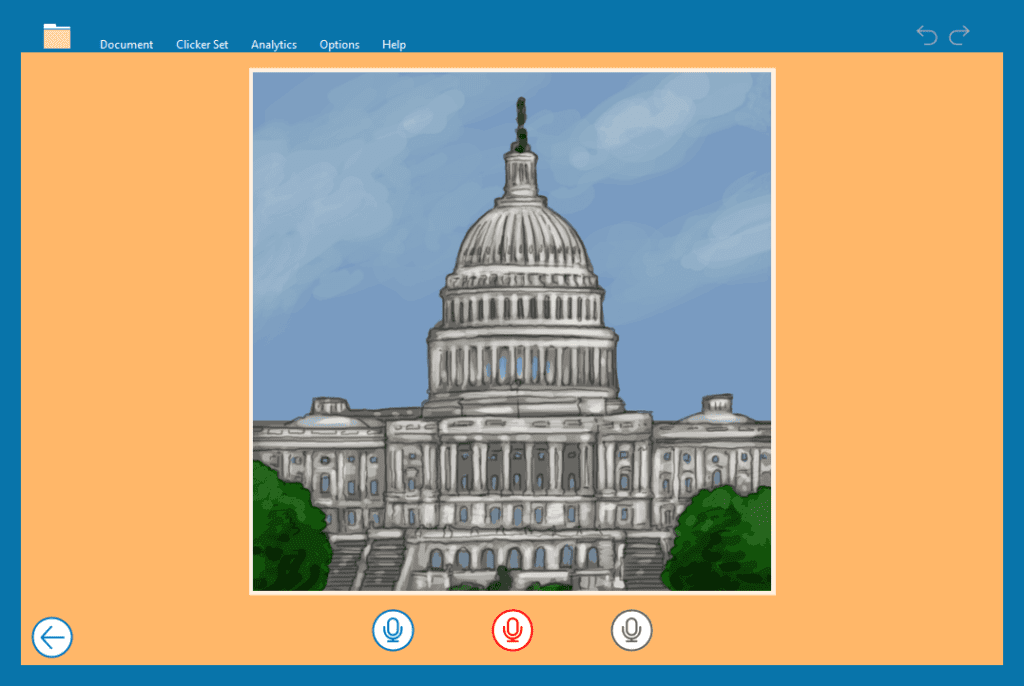
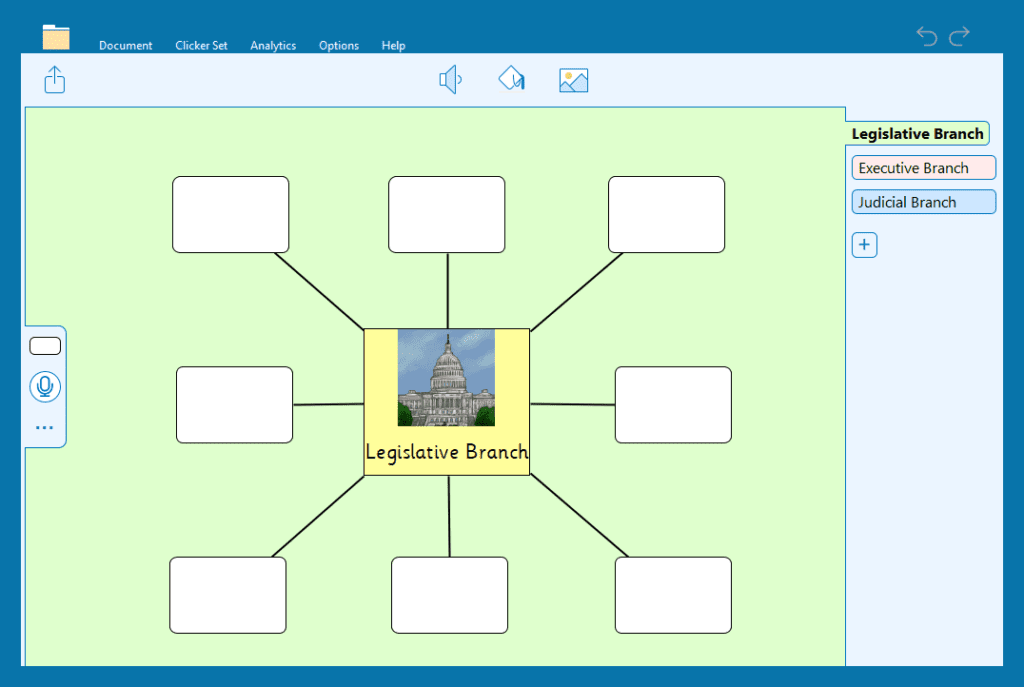
Clicker Talk has fantastic resources for students to recall multiple pieces of information which they otherwise may have struggled to write down. This Talk Set encourages students to record facts about the legislative branch – which is also a handy way to collect speaking and listening evidence!
Use Talk Sets in Clicker for students to orally demonstrate their knowledge. Research your topic for 10 minutes and then record an information podcast about 10 key points. Many of our Reading Books are linked to complementary Talk Sets, so this is often an activity on LearningGrids ready to go!


Interviews and hot seating
Interviews and hot seating are a great way to help students think from different viewpoints. As a result, you can assess how well students understand information by viewing it from the perspective of the historical figure or from a particular profession (archaeologist, scientist, musician, etc.).
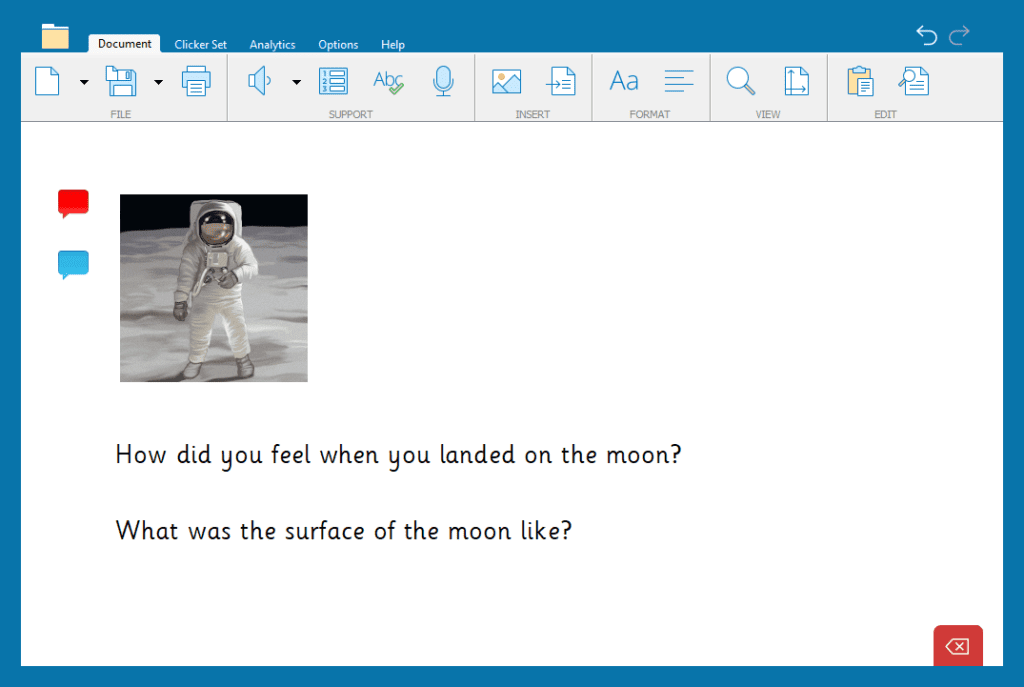
You can quickly create your own hot seat or interview by using the Custom Set Interview Me, which students can use to capture their thoughts about the subject and consider what they know about them.

If you’d like to create an interview task where the students have the option to write or record their response, then a Clicker Document with Voice Notes is always a great option.
Plenaries and recapping learning
Using plenary activities, teachers can reinforce understanding, identify any gaps in knowledge, and encourage students to consolidate their learning. This process also allows for self-assessment, boosting student confidence and engagement. Reviewing what’s been taught helps make sure the learning ”sticks” and gives a solid base for what comes next.
Examples of plenaries and recapping learning using Clicker
Key facts summary
Use a Clicker Board at the start or end of a lesson and/or topic to create a mind map to summarize knowledge and understanding – a great visual tool which can help with memory retention. We’ve been learning about the branches of government – what can we remember about the legislative branch?
Fill-in -the-blanks
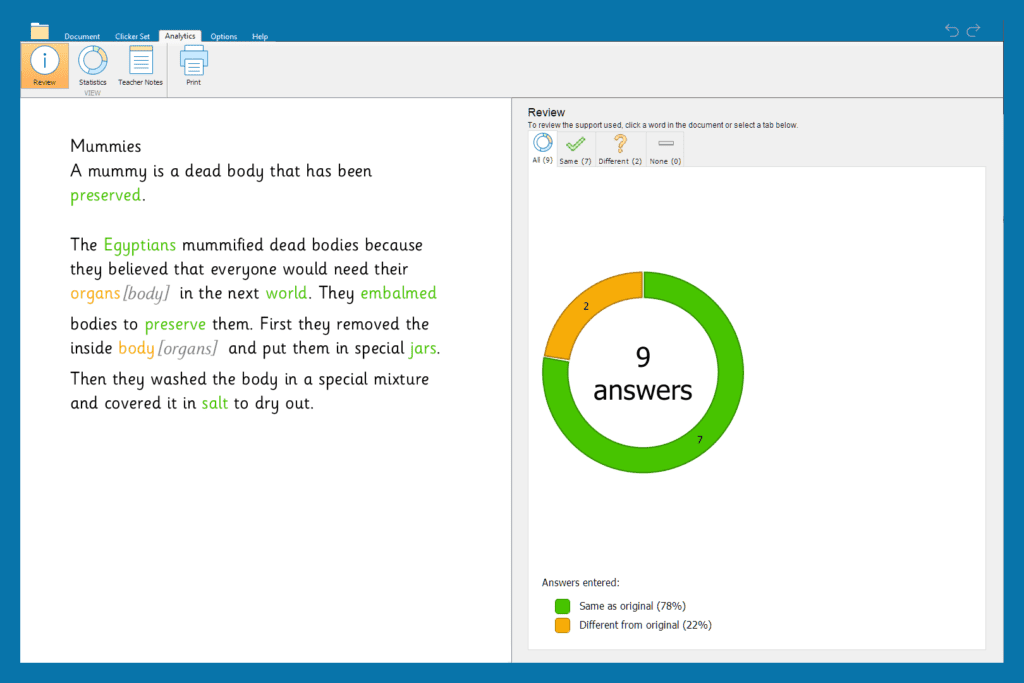
Clicker Cloze enables you to create “fill-in-the-blank” activities for checking knowledge and understanding. You can take text from anywhere on any topic – you could use corresponding Clicker resources like our Find Out and Write About sets on Ancient Egyptians. Simply paste your text into the Cloze Document and remove your chosen keywords in seconds! You can even find out at a glance how students have done by viewing the ”Analytics” tab.
For more on this, see Gemma’s fantastic tutorial video on making Cloze activities with Clicker.
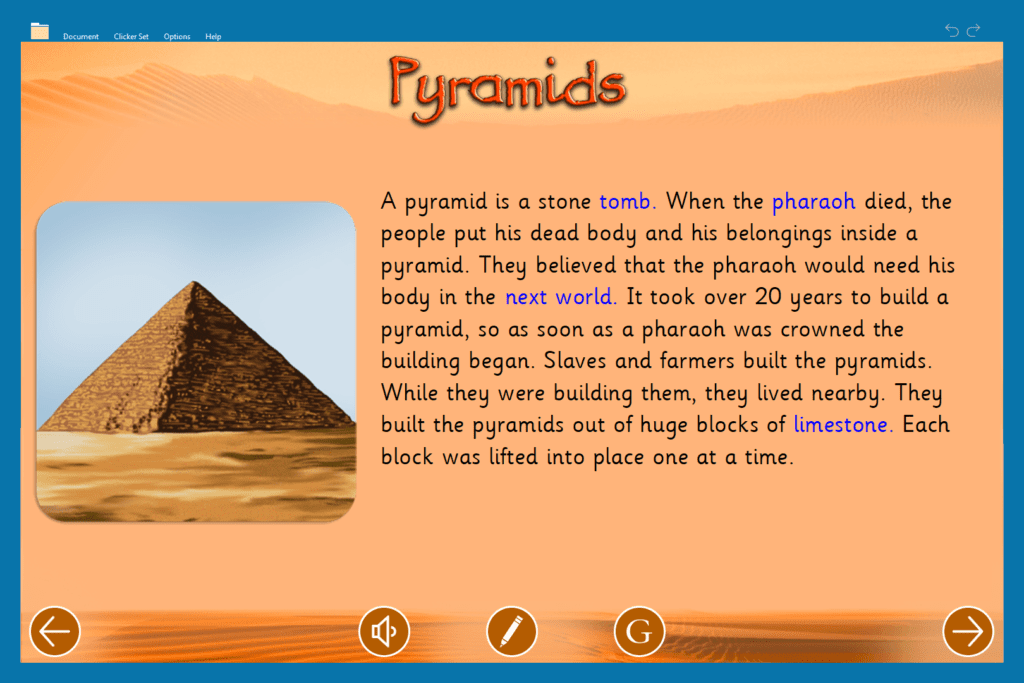

You’ll find hundreds of these types of activities on LearningGrids (or of course, you can create your own) to help add to your low-stakes assessment library and get your students closing those gaps and showing off their learning!
Summative curriculum assessment
Summative assessment is a way of evaluating students’ learning at the end of a lesson or unit to measure their overall understanding and achievements. It is often used to assign grades or scores and is typically more formal than formative assessment. Unlike formative assessments, which help guide learning during the process, summative assessments focus on a quantifiable outcome. This is usually at the end of a learning sequence.
Examples of summative assessment include:
- End-of-quarter assessments: Tests that assess students’ knowledge after a certain period of learning.
- Final projects or reports: Large assignments that showcase students’ skills and understanding over a longer period.
- Standardized tests: Tests that are the same for all students, often used for comparison across schools or districts.
- End-of-unit tests: Shorter assessments that cover the key topics of a specific unit.
Topic assessments: vocabulary and key knowledge
Summative assessments in subjects like social studies or science are important because they show if students really understand the key ideas, vocabulary, and skills they've learned during the topic unit.
For example, in social studies, students might be asked to explain terms like "government" or sequence events in the right order to show how they connect. In science, they might be tested on terms like "ecosystem" or how to apply what they've learned about the environment. These assessments help teachers see if students can make connections, use what they’ve learned, and show they’ve grasped the key topic content.
Examples of assessing vocabulary and key knowledge with Clicker
Assessing topic-specific vocabulary
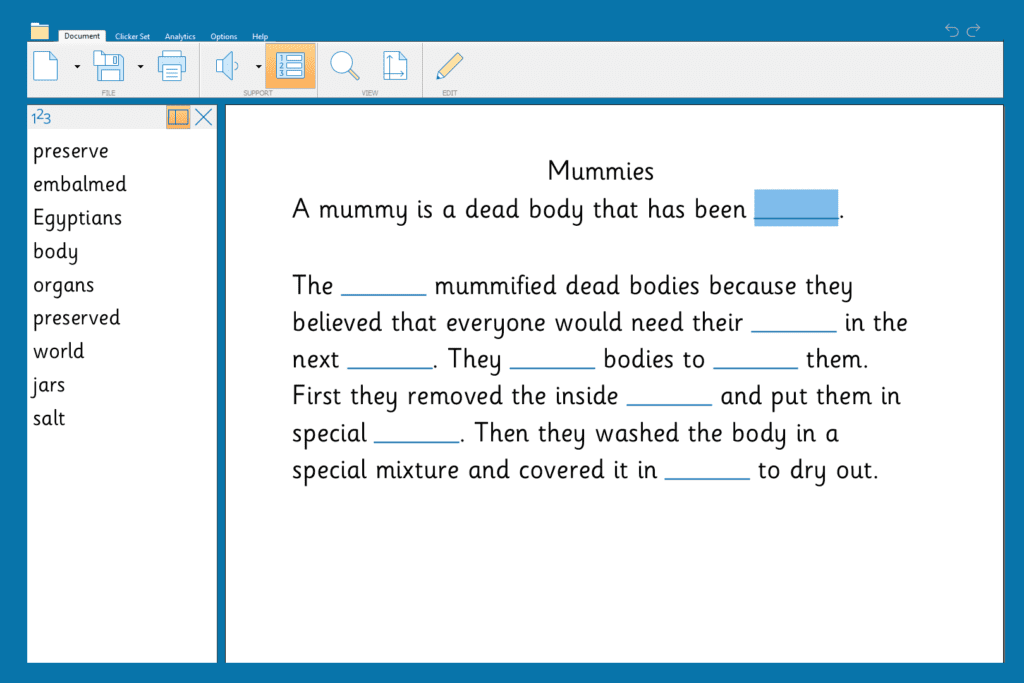
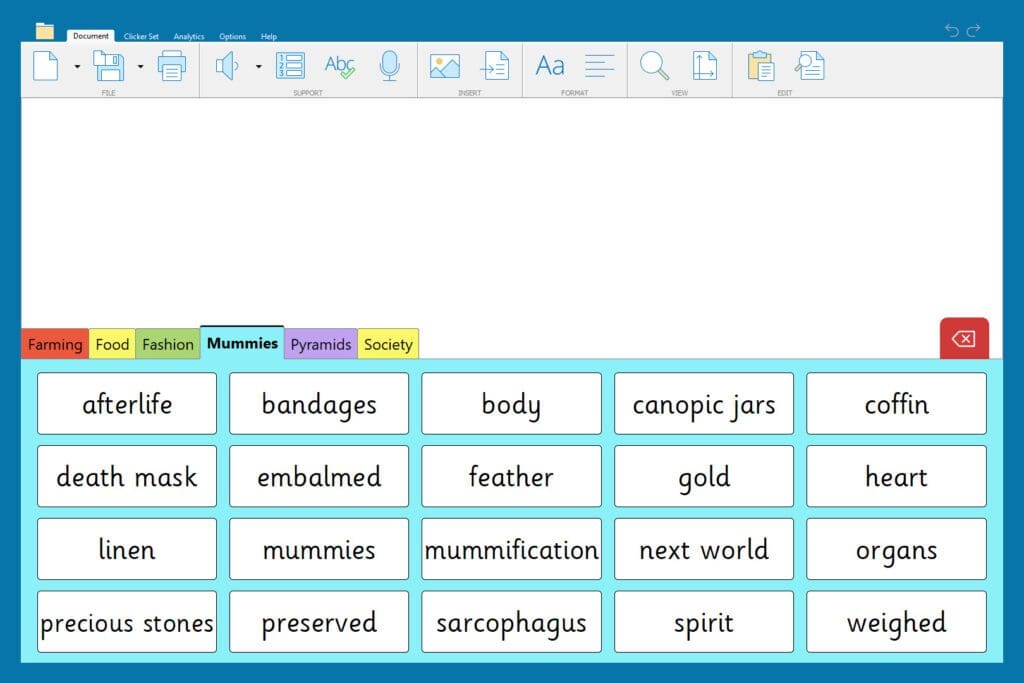
Cloze Documents and Word Banks work together wonderfully for vocabulary and key word checks. They are closed activities that offer teachers data that is easy to collate and quantify students’ understanding of topic-specific vocabulary.
For the first activity, students fill in the blanks of the Cloze Document with the correct words to show their understanding of the vocabulary or key events. Teachers can quickly see how the students performed with Cloze’s Analytics and correct any misconceptions.
Alternatively, teachers can reverse the process by offering the vocabulary as a Word Bank which students can use to write definitions, put into sentences, or both!

Talk Sets are a fantastic resource to offer an alternative way for students to document their learning by verbally recording their responses.
Assessing key knowledge with Clicker
Connect Sets can be a great way to create resources that test students’ understanding of key knowledge such as the sequencing of events. For example, teachers can design interactive activities where students match events with corresponding dates, descriptions, or outcomes. Here’s how Connect Sets could be used to test students’ understanding of a topic:
Sequencing events: Teachers can create a Connect Set where students match events with their correct positions in a timeline. For example, in history, students might match events that led up to the Revolutionary War with the correct dates.

Cause and effect: Teachers can design Connect Sets where students pair events with their causes or consequences. For example, in science they could match event "rubbing your hands together" with "your hands become warm" to explain friction.
Event to description matching: Teachers can create a set where students match brief event descriptions to the correct historical event. For example, a student might match the description "a system of mail delivery in the 1860s" with "The Pony Express”.
These activities can be applied to a range of subjects to assess students’ understanding of key events, processes, and information.
Summary
Using both formative and summative assessments is a great way to support your students’ learning and help them grow. With Clicker, you have easy-to-use tools that let you check in on their progress and adjust your teaching as needed. Whether you’re using quick, low-pressure activities to reinforce learning and build confidence or more formal assessments to see how well they’ve grasped the big ideas, you can use Clicker. Tools like Matching Sets, Talk Sets, and Cloze Documents make it simple to create fun, interactive assessments that give you valuable insights into your students’ understanding. These tools help you celebrate their successes and guide them to the next step in their learning journey.
Helpful links and information
- Our tutorials offer step-by-step instructions that you can follow to create your own assessment resources.
- Explore our upcoming free, online Clicker training sessions
