Clicker in action!
If you follow our social channels, you’ll know that we love sharing schools’ Clicker successes. What’s so brilliant about our most recent examples is how varied they are.

Clicker’s writing support comes in different shapes and sizes. From word prediction to sentence structure support and everything in between, students are great at using the tools that suit their learning best!
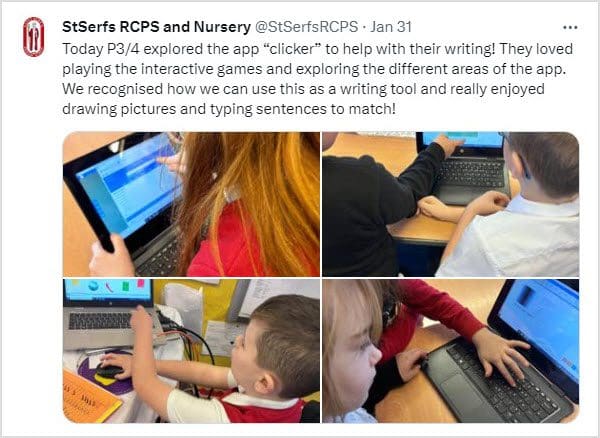
We love this idea – drawing pictures and writing matching sentences is a great way to get students to engage with their writing. Clicker also has a bank of images that students can insert into their documents in the CrickPix library if they’d prefer.
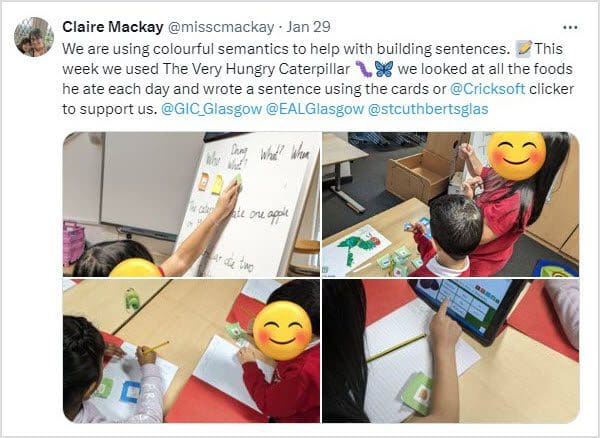
Using Clicker’s Connect Sets is a brilliant way to build students’ understanding of sentence structure – but you can also use colorful semantics within Clicker, too! We did a fantastic free webinar about it with Tom McDonald where he demonstrated how to build colorful semantics activities in Clicker. It’s still available on our website for you to watch today!

And lastly, using our wider curriculum resources from LearningGrids, this school have had fantastic fun writing and following their instructions for making paper aeroplanes!
If your school uses Clicker, please share your lessons and writing with us – we absolutely love to see what your students have been learning about.
Or, if you’ve seen something that’s inspired you to find out more about getting Clicker into your school, you can:
