Teaching figurative language with Clicker
During a chat with one of the schools I work with, they mentioned how much value one of their teachers was getting from our Figurative Language resources on LearningGrids.
The teacher had a very high percentage of children with EAL in the classroom and was having difficulty teaching them the varying use of figurative language. Having heard different examples throughout my life and never given them a second thought, it made me consider just how confusing they must be to a child with English as an additional language!
Our Figurative Language sets lend themselves perfectly to this. A teacher could start the lesson by showing the resource on the interactive whiteboard, for instance our Weather Similes Connect Set, and discuss which key words make the creative writing technique a ‘simile’.
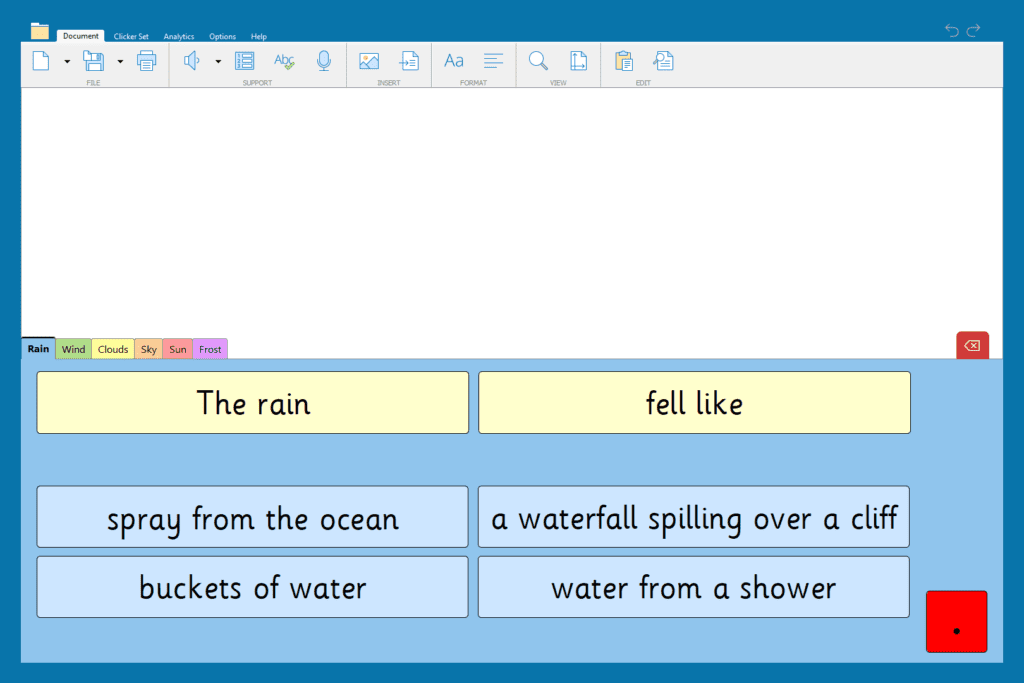
In this instance, the children would identify the word ‘like’ being key to a simile.
Following on from this, the class could then be split into groups for the main activity. Each group must read and write sentences from the following tabs in the Connect Set and they could be set a challenge of writing their own endings, too. Pupils needing more support can use Clicker’s built-in speech feature, helping them to access the text independently.

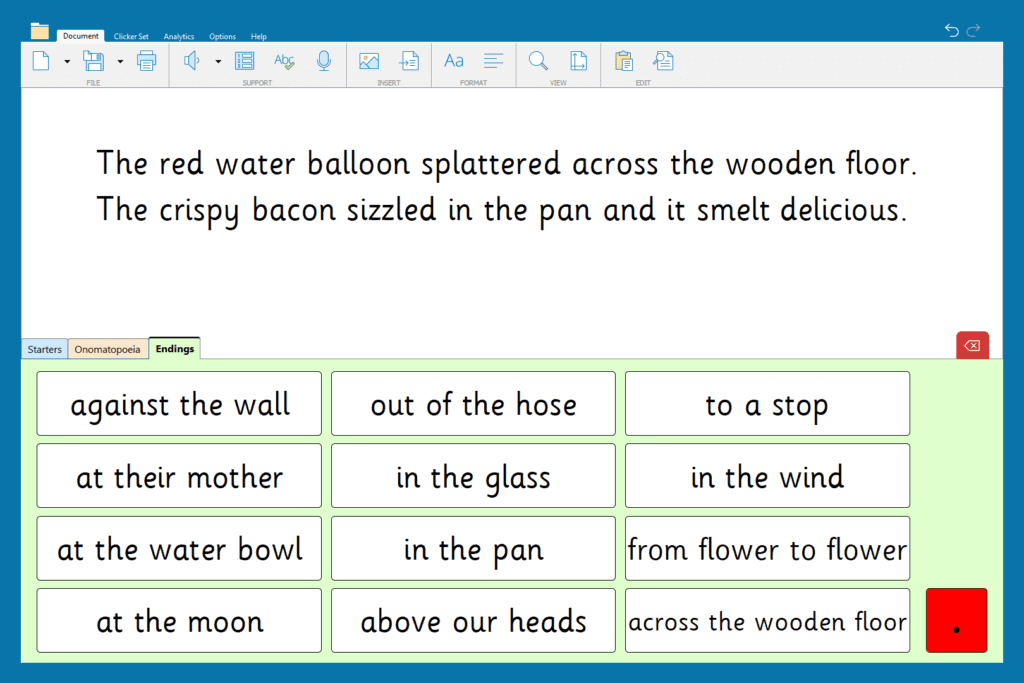
For another lesson, children can use the pre-made ‘Onomatopoeia’ Connect Set to write sentences with this figurative language technique. This is the perfect way to assess each child’s understanding of how onomatopoeia is used effectively. In the word processor, children have access to support features such as speech support and the spell checker - allowing them to get on with their work independently.
It is fantastic to see how resources on LearningGrids can support, what can be challenging, figurative language lessons in a variety of ways. With over 3000 ready-made resources currently available, Clicker not only saves teachers time, but gives children the opportunity to be more successful in lessons and achieve better learning outcomes.
If you would like any further support using Clicker with your class, please get in touch by contacting us at info@cricksoft.com or call us on 203 221 2697.
