Demonstrating core subject learning using Clicker in a lower elementary classroom
Picture the scene: It’s 1:45pm and your first grade class have just listened eagerly to a science lesson all about the five senses. You’ve kept them captivated and are just setting them off to do some independent writing. Suddenly it’s 2pm - six children still haven’t found a pencil, four children have skipped three pages in their notebook, and a large percentage of your class have written a sentence that looks nothing like the work they produced in language arts that morning.
So, my question is, how can Clicker help some of our youngest writers to accurately portray their understanding in the core subjects? When I was teaching, I found that my first graders’ science notebooks were rarely a true representation of what they had learned or understood throughout the lesson, and I was always searching for ways to increase engagement and gather evidence of new learning in my classroom.
This is how I would use Clicker’s wide range of tools to ensure all students are able to show off their new-found knowledge in the core subjects. I am going to explore the Our Senses LearningGrids resources - ready-made resources that you can quickly and easily customize to suit the needs of your learners. This suggested sequence of activities can be used at the pace that suits your learners (and over a number of lessons depending on your daily schedule).
Complete a pre-teaching activity using a Clicker Board to check students’ prior knowledge
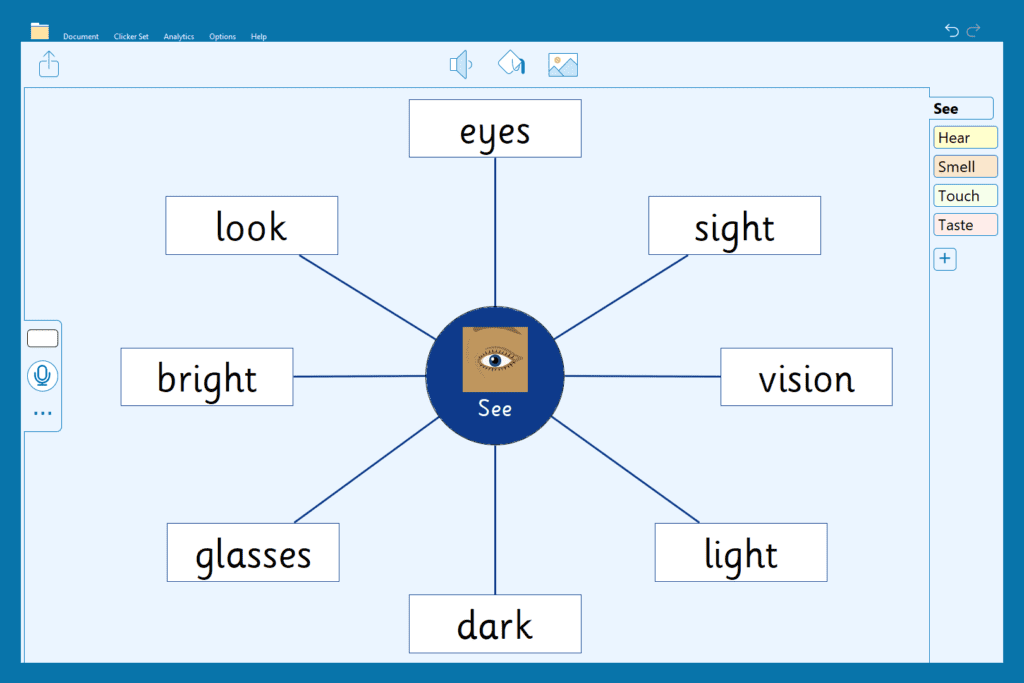
The beauty of Clicker is that you can adapt it to match the needs of your class. Your Planning Board can be used with a whole class, in groups, or individually. This pre-teaching activity will give you a great insight into what your students already know. Why not repeat this activity at the end of the unit to see how far they’ve come?
Read a Clicker Book
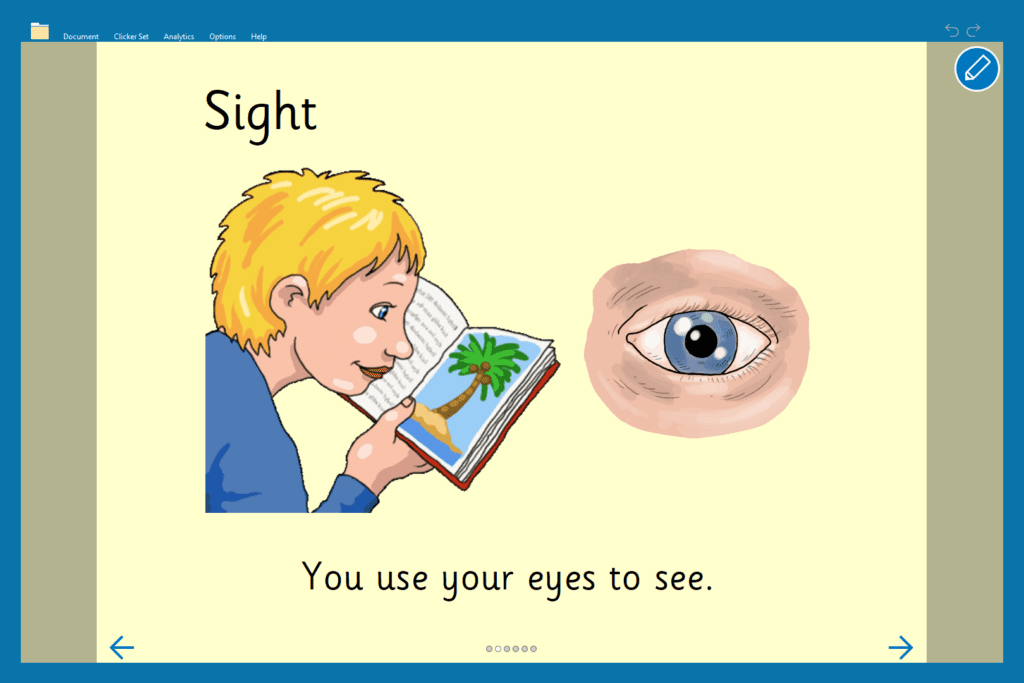
Once you’ve explored what students already know, use a Clicker Book about the senses to support your teaching. This could be done as a whole class activity during your teaching input or more independently as part of a guided reading session. You can choose to have students read the book themselves or listen to the text read aloud.
Check students’ understanding through Matching Sets
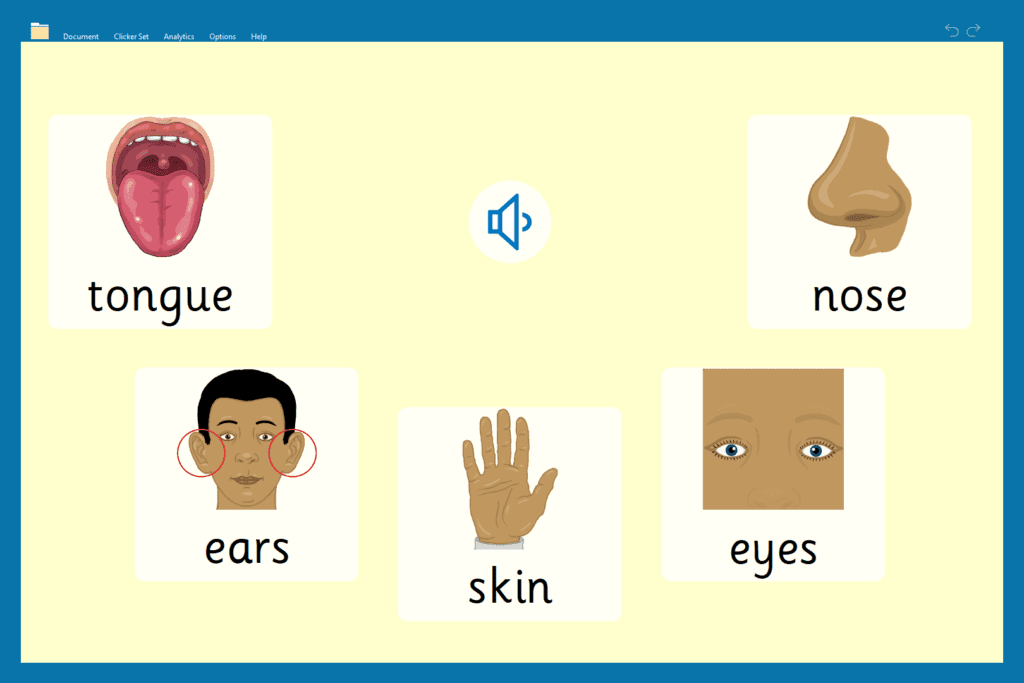
Time to let your class show off what they are learning! With this Matching Set, students can show their understanding of the five senses while also having some fun. They listen to statements about sense organs and choose the picture that best fits the information. On each page, students need to simply click on the speaker button to listen and then choose the matching picture.
Oral recording of their new knowledge using Talk Sets
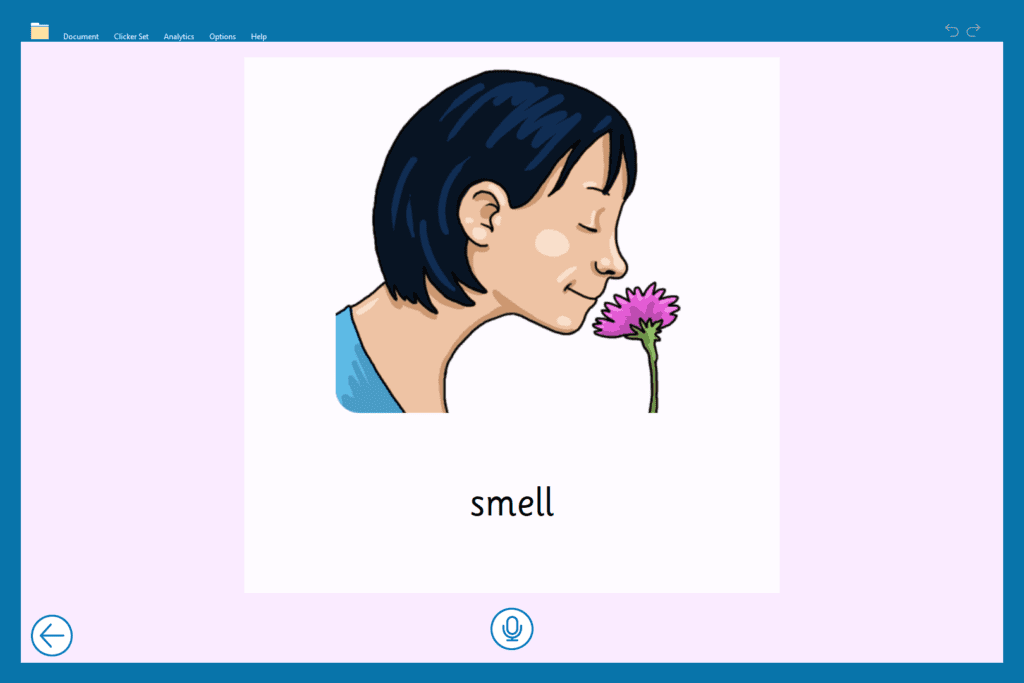
Next, get students talking about what they have learned. In this Talk About activity, learners record information about the five senses. There are Talk Sets linked to each of the senses. You could split your class into five groups and have each group plan out and record ideas for a different sense. You could then have a listening party where you share and celebrate each other’s work.
Write simple sentences using a Connect Set
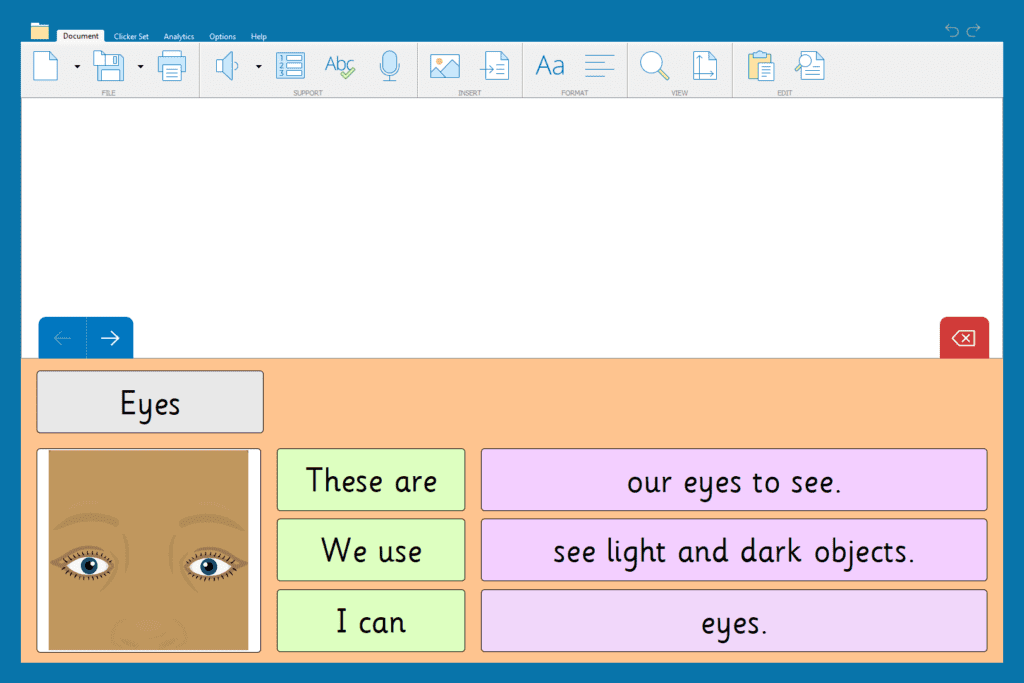
After students have orally rehearsed their ideas in the previous lesson, set them the task of using a Connect Set to write simple sentences about each of the five senses by matching sentence beginning and endings. This is a great way for students to practice sentences about what they have learned before moving on to the grand finale…
…Make a book!
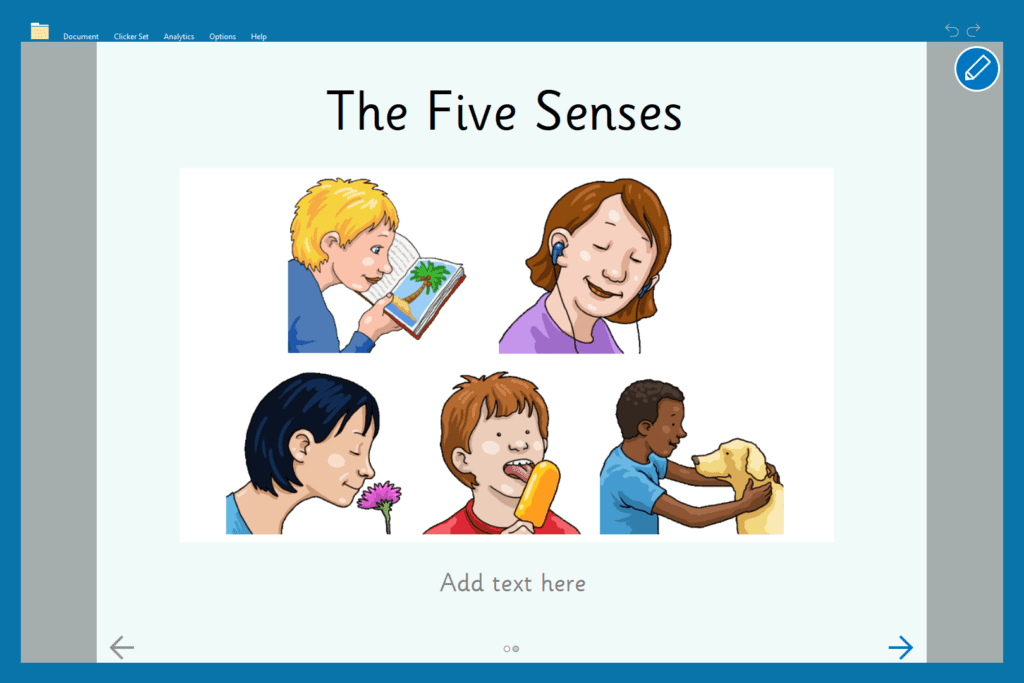
Now that your students are experts on all things senses, they could make their own Clicker Book. This resource includes word and picture banks to support students in being as independent as possible. The book is something students could create individually, in pairs, or in groups. Students will love being a nonfiction author, and you can quickly see who has grasped the new learning and find out where any gaps in learning are.
So now, it’s the end of your senses topic and your class are proudly reading each other their Clicker Books, full of knowledge and relevant vocabulary. All students have been able to access the activities, and without a single child looking for a pencil!
The features I’ve mentioned here are just a small sample of the many easy-to-use tools and resources available on LearningGrids to support students with their cross-curricular writing.
